AI Video Marketing for Small Business: The Complete 2026 Guide
Compare the best AI video tools for small businesses in 2026. Covers HeyGen, Synthesia, Creatify, InVideo AI, and free alternatives with pricing, use cases, and a decision framework.
Table of Contents
- The Problem: Video Marketing Is Expensive (Until Now)
- What AI Video Tools Actually Do in 2026
- Quick Recommendation
- Complete Tool Comparison
- Pricing Breakdown
- Decision Framework: Which Tool Fits Your Business
- Best For Table
- Use Cases by Industry
- How to Start: 30-Day Implementation Checklist
- Common Mistakes to Avoid
- When NOT to Use AI Video
- Alternatives Worth Considering
- Frequently Asked Questions
- Conclusion and Next Steps
The Problem: Video Marketing Is Expensive (Until Now)
According to industry data, 91% of businesses now use video as a marketing tool. Yet most small business owners skip video entirely because traditional production costs $4,500 per minute, requires a camera crew, and takes 13+ days from concept to final export.
The result: small businesses lose ground to competitors who can afford professional video production, while social media algorithms increasingly favor video content over static images and text posts.
AI video generation changed the economics completely. Current tools produce 60-second marketing videos for under $10, deliver results in minutes rather than weeks, and require zero technical skill.
This guide compares every major AI video platform relevant to small businesses, explains exactly what each costs, and provides a decision framework so you choose the right tool on the first try.
What AI Video Tools Actually Do in 2026
AI video tools fall into four categories. Understanding which category you need prevents you from paying for features you will never use.
Category 1: AI Avatar / Talking-Head Tools
These generate a realistic human presenter reading a script you type. The "person" is an AI-generated avatar.
Best for: Training videos, explainer content, welcome videos, FAQ walkthroughs, course content.
Examples: HeyGen, Synthesia
Category 2: AI Ad Creative Tools
These turn a product URL or brief description into a finished video advertisement with script, visuals, voiceover, captions, and music.
Best for: Social media ads, product demos, promotional Reels, TikTok content.
Examples: Creatify, Eliro, VO3 AI
Category 3: AI Video Editors / Generators
These take a text prompt and produce video footage — sometimes combining stock footage, AI-generated clips, voiceover, and music into a complete package.
Best for: YouTube content, long-form marketing videos, repurposing blog posts into video.
Examples: InVideo AI, Pictory, Descript
Category 4: Raw AI Video Generation
These generate realistic footage from text prompts — similar to how DALL-E generates images.
Best for: B-roll footage, product lifestyle shots, social media content.
Examples: Kling 3.0, Google Veo 3.1, Sora 2, Seedance 2.0
Quick Recommendation
If you only read one section, read this.
- Need a talking-head presenter for training or explainers? → HeyGen ($29/mo)
- Need social media ads from a product URL? → Creatify ($39/mo)
- Need full marketing videos from a text prompt? → InVideo AI ($20/mo)
- Need corporate training videos with LMS integration? → Synthesia ($29/mo)
- Need one video per week on the cheapest budget? → Eliro ($20/mo) or VO3 AI (pay-as-you-go from $2.99)
For most small businesses posting social media video content 3–5 times per week, HeyGen Creator or InVideo AI Plus offers the best balance of quality, output volume, and price.
Complete Tool Comparison
Feature Comparison Table
| Feature | HeyGen | Synthesia | Creatify | InVideo AI | Eliro |
|---|---|---|---|---|---|
| Primary use case | Avatar videos & translation | Corporate training | Ad creative | Full video editing | Quick social ads |
| AI avatars | 300+ | 230+ | 300+ | 16 (Plus) | AI-generated |
| Languages | 175+ | 140+ | 75+ | 50+ | 30+ |
| Video translation | Excellent (lip-sync) | Good | No | No | No |
| Voice cloning | Included | Enterprise only | No | Yes | No |
| Custom avatar | $29 one-time | Enterprise (studio shoot) | Pro plan | Yes | No |
| Max video length | 30 min (Creator) | 10 min (Starter) | 2 min (Starter) | Varies by credits | 60 sec |
| 4K export | Pro plan ($49/mo) | Enterprise only | No | Yes (Max+) | No |
| Free plan | Yes (3 videos) | Yes (3 min/mo) | Yes (10 credits) | Limited credits | Limited |
| API access | Yes ($5 minimum) | Creator plan ($89/mo) | Enterprise | Yes | No |
| LMS / SCORM | Business plan | Enterprise | No | No | No |
| Team collaboration | Business ($149/mo) | Enterprise | Pro ($99/mo) | Team plans | No |
Quality and Output Comparison Table
| Criterion | HeyGen | Synthesia | Creatify | InVideo AI |
|---|---|---|---|---|
| Avatar realism | ★★★★★ | ★★★★☆ | ★★★★☆ | ★★★☆☆ |
| Lip-sync accuracy | ★★★★★ | ★★★★☆ | ★★★☆☆ | ★★★☆☆ |
| Template variety | ★★★☆☆ | ★★★★★ | ★★★★☆ | ★★★★★ |
| Ease of use | ★★★★☆ | ★★★★★ | ★★★★★ | ★★★★☆ |
| Speed to first video | ★★★★★ | ★★★★☆ | ★★★★★ | ★★★★☆ |
| Brand customization | ★★★☆☆ | ★★★★☆ | ★★★★☆ | ★★★★★ |
Pricing Breakdown
Side-by-Side Pricing (Monthly Billing)
| Plan | HeyGen | Synthesia | Creatify | InVideo AI |
|---|---|---|---|---|
| Free | 3 videos/mo (watermark) | 3 min/mo (watermark) | 10 credits (~2 ads) | Limited credits |
| Entry paid | Creator: $29/mo (600 credits ≈ 30 min) | Starter: $29/mo (10 min/mo) | Starter: $39/mo (100 credits ≈ 5 ads) | Plus: $20/mo (75 credits) |
| Mid-tier | Pro: $49/mo (1,000 credits ≈ 50 min) | Creator: $89/mo (30 min/mo) | Pro: $99/mo (300 credits ≈ 15 ads) | Max: $100/mo (390 credits) |
| Team/Business | Business: $149/mo + $20/seat | Enterprise: custom | Enterprise: custom | Team: $40/seat/mo |
| Annual discount | ~$24/mo (Creator) | ~$18/mo (Starter) | ~$33/mo (Starter) | ~$17/mo (Plus) |
Cost Per Finished Video (Estimated)
| Tool | Cost per 30-sec video | Cost per 1-min video | Best value threshold |
|---|---|---|---|
| HeyGen (Creator) | ~$0.97 | ~$1.94 | 15+ videos/month |
| Synthesia (Starter) | ~$2.90 | ~$5.80 | 3–5 videos/month |
| Creatify (Starter) | ~$3.90 | ~$7.80 | 5–10 ads/month |
| InVideo AI (Plus) | Varies by model | Varies by model | Casual use |
| Eliro | ~$0.65 | N/A (60s max) | 5+ quick ads/week |
| VO3 AI (starter pack) | ~$0.30 | ~$0.60 | Pay-as-you-go testing |
Decision Framework: Which Tool Fits Your Business
Decision Matrix
Answer these five questions to identify your best fit:
| Question | If your answer is... | Best tool |
|---|---|---|
| What is the primary video type? | Talking-head explainer | HeyGen |
| What is the primary video type? | Product/service ad | Creatify |
| What is the primary video type? | Blog-to-video or YouTube | InVideo AI |
| What is the primary video type? | Staff training | Synthesia |
| How many videos per month? | 1–3 | Any free plan |
| How many videos per month? | 4–15 | HeyGen Creator or Creatify Starter |
| How many videos per month? | 15–30+ | HeyGen Creator (unlimited) or InVideo Max |
| Budget per month? | Under $25 | InVideo Plus or Eliro |
| Budget per month? | $25–$50 | HeyGen Creator or Creatify Starter |
| Budget per month? | $50–$100 | HeyGen Pro or Creatify Pro |
| Need multilingual? | Yes, with lip-sync | HeyGen (175+ languages) |
| Need multilingual? | Yes, basic dubbing | Synthesia or InVideo |
| Team size? | Solo | Any individual plan |
| Team size? | 2–5 people | HeyGen Business or Creatify Pro |
| Team size? | 5+ people | Synthesia Enterprise or InVideo Team |
Best For Table
| Business Type | Recommended Tool | Why |
|---|---|---|
| Local service business (plumber, salon, dentist) | Eliro or VO3 AI | Quick social ads from one sentence; lowest learning curve |
| E-commerce / product business | Creatify | URL-to-ad workflow built for product marketing |
| Consultant / coach | HeyGen | Personal avatar builds trust; use for welcome videos and course content |
| Agency managing multiple clients | HeyGen Business or Creatify Pro | Multi-brand, team seats, volume pricing |
| Real estate agent | InVideo AI + VO3 AI | Property walkthroughs and neighborhood showcases |
| Restaurant / hospitality | VO3 AI or Eliro | Daily specials, seasonal promos, quick social posts |
| SaaS / B2B company | Synthesia | Training, onboarding, product demos with professional look |
| Freelance content creator | HeyGen Creator | Unlimited videos, voice cloning, translation |
| Multilingual business | HeyGen | Best-in-class lip-sync translation across 175+ languages |
Use Cases by Industry
For Restaurants and Hospitality
- Daily specials video for Instagram Stories (15 seconds)
- Seasonal menu announcements
- Behind-the-scenes "kitchen cam" style footage
- Google Business Profile video updates
For Service Businesses (Plumbers, Electricians, Landscapers)
- Before/after project showcases
- "How to spot [problem]" educational content
- Service area announcement videos
- Customer FAQ explainers
For E-Commerce
- Product demo videos from photos
- Seasonal sale announcements
- Customer testimonial-style UGC ads
- Unboxing and lifestyle clips
For Consultants and Coaches
- Welcome/intro videos for new leads
- Course preview content
- LinkedIn thought leadership clips
- Email sequence video inserts
For Agencies
- Client reporting video summaries
- White-label ad production
- Social media content at scale
- Pitch deck video components
How to Start: 30-Day Implementation Checklist
Week 1: Foundation
- Choose one tool based on the decision matrix above
- Sign up for the free plan to test the interface
- Create your first test video (under 30 seconds)
- Identify your top 3 video use cases
- Set a posting schedule (minimum 3x per week for social)
Week 2: Brand Setup
- Upload brand colors, logo, and fonts (if supported)
- Write 5 reusable prompt templates for your business
- Create a custom avatar or select your go-to stock avatar
- Produce 3 videos and post to your primary social channel
- Measure initial engagement vs. your non-video posts
Week 3: Scale and Optimize
- Batch-produce 5–7 videos in one session
- A/B test two different video styles (talking head vs. ad creative)
- Add video to your Google Business Profile
- Embed a welcome video on your website homepage
- Set up a video email signature (HeyGen supports this)
Week 4: Evaluate and Commit
- Review engagement metrics across all posted videos
- Calculate actual cost per video on your current plan
- Decide whether to upgrade, switch tools, or stay on free
- Build a monthly video content calendar
- Commit to a paid plan if ROI is positive
Common Mistakes to Avoid
Mistake 1: Choosing Based on Price Alone
The cheapest plan is meaningless if it does not produce the video type you need. A $20/month tool that requires 3 hours of editing per video is more expensive than a $49/month tool that exports in 2 minutes.
Mistake 2: Trying to Replace All Video at Once
Start with one use case (e.g., social media ads) and master it before expanding to training videos, email content, or website explainers.
Mistake 3: Ignoring Credit Expiration
Most tools use credits that expire monthly. Creatify credits expire after two months. InVideo AI credits do not roll over. Only HeyGen offers meaningful rollover on annual plans. Plan your production schedule around your billing cycle.
Mistake 4: Over-Relying on AI Avatars for Trust-Building Content
AI avatars work well for explainers and ads. For testimonials, team introductions, and "about us" content, authentic camera footage still outperforms. Mix AI-generated video with real footage for the strongest brand signal.
Mistake 5: Producing Long Videos When Short Ones Perform Better
Current AI models are strongest at 15–60 second clips. Social media algorithms reward consistency over length. Five 15-second videos per week will outperform one 3-minute video per month.
Mistake 6: Not Adding Captions
85% of social media video is watched without sound. Every AI video you publish should include burned-in captions. Most tools include this automatically, but verify before exporting.
Mistake 7: Skipping the Commercial License Check
Free plans often restrict commercial use or include watermarks. Verify that your chosen plan includes a commercial license before running any video as a paid advertisement.
When NOT to Use AI Video
AI video tools are powerful, but they are not appropriate for every situation:
- Customer testimonials — Fake UGC violates advertising regulations in the US, UK, Canada, and Australia. Use real customers or clearly disclose AI generation.
- Legal or compliance content — AI can hallucinate details. Any video making legal claims, health claims, or financial promises needs human review and should feature a real professional.
- Team "about us" pages — Audiences detect synthetic faces. Use real photos and video of your actual team.
- High-emotion brand storytelling — AI-generated footage lacks authentic emotion. For brand origin stories or community impact videos, invest in real production.
- Anything requiring real-time interaction — AI avatars cannot have live conversations (exception: HeyGen Interactive Avatars for scripted demos).
Alternatives Worth Considering
If none of the main tools fit, consider these alternatives:
| Tool | Price | Best for | Key difference |
|---|---|---|---|
| Descript | $24/mo | Podcast/video editing with AI | Edit video by editing text transcript |
| Pictory | $19/mo | Blog-to-video | Turns written articles into narrated videos |
| Lumen5 | $29/mo | Social media clips | Template-driven, very fast workflow |
| Runway | $15/mo | Creative AI footage | Raw generation quality for B-roll |
| CapCut (free) | $0 | Editing existing footage | Auto-captions, effects, templates |
| Canva Video | Included in Canva Pro ($15/mo) | Simple social videos | Integrates with existing Canva workflow |
Frequently Asked Questions
Is AI-generated video good enough for paid ads?
For social media advertising on Meta, TikTok, and YouTube, current AI video quality passes the quality threshold for most small business ads. The platforms' own ad creative tools now incorporate AI generation. For broadcast television or premium placements, traditional production still produces higher-quality results.
Will viewers know my video is AI-generated?
For avatar-based tools (HeyGen, Synthesia), trained viewers may recognize AI presenters. For AI-generated footage (Kling, Veo), casual viewers typically cannot distinguish AI content from stock footage at standard social media resolutions. Disclosure requirements vary by jurisdiction — check your local advertising standards.
Can I use my own face as an AI avatar?
Yes. HeyGen allows custom avatar creation from 2 minutes of video footage ($29 one-time fee on paid plans). Synthesia requires an in-studio shoot or detailed home setup and is typically limited to Enterprise plans. InVideo AI also supports custom avatars.
How many videos should a small business post per week?
Based on platform algorithm research, the minimum effective frequency is 3 videos per week on your primary platform. Businesses seeing significant growth from video typically post 5–7 times weekly. AI tools make this volume financially achievable for the first time.
Do I need to disclose that a video is AI-generated?
Disclosure requirements depend on context and jurisdiction. The FTC (US) and ASA (UK) require disclosure when AI-generated content could mislead consumers — particularly for testimonials or endorsements. For general marketing content (product demos, explainers), disclosure is currently recommended but not universally required. Check your local regulations.
Can I translate my videos into other languages automatically?
HeyGen offers the strongest translation feature with lip-sync matching across 175+ languages. Synthesia offers dubbing on Enterprise plans. For most small businesses targeting English-speaking markets, translation is a nice-to-have rather than essential.
What is the minimum budget to start with AI video marketing?
You can start for $0 using free plans from HeyGen (3 videos/month), Synthesia (3 minutes/month), or Creatify (10 credits ≈ 2 videos). For consistent posting, budget $20–$40/month for your first paid plan.
Conclusion and Next Steps
AI video marketing has crossed the quality and affordability threshold that makes it practical for every small business. The competitive advantage now belongs to businesses that adopt consistent video habits before their local competitors do.
Your next steps:
- Choose one tool using the decision framework above (if unsure, start with HeyGen Creator at $29/month — it offers the best combination of quality, volume, and versatility for most small businesses)
- Sign up for the free plan and create your first test video today
- Commit to posting 3 videos per week on your primary social platform for 30 days
- Track engagement and compare to your non-video content performance
- Upgrade or switch based on actual results, not speculation
The businesses treating AI video as a weekly habit — not a one-off experiment — are the ones building audience and authority while competitors are still debating whether to start.
SEO Metadata
- Meta title: AI Video Marketing for Small Business: The Complete 2026 Guide
- Meta description: Compare the best AI video tools for small businesses in 2026. HeyGen, Synthesia, Creatify, and InVideo AI compared with pricing, use cases, and a decision framework.
- Slug: ai-video-marketing-for-small-business
- Primary keyword: AI video marketing for small business
- Secondary keywords: AI video generator for small business, best AI video tools 2026, HeyGen vs Synthesia, AI video ads small business, cheap AI video marketing
- Excerpt: Compare the best AI video generation tools for small businesses in 2026. Covers HeyGen, Synthesia, Creatify, InVideo AI, and budget alternatives with real pricing, use case matching, and a step-by-step decision framework.
Image Prompts
Hero image: A small business owner (mid-30s, diverse, professional casual) sitting at a clean modern desk with a laptop showing a video timeline interface. Soft natural light from a window. Minimalist office with a plant. Editorial photography style, 16:9, warm tones, shallow depth of field. No logos, no readable UI text.
Supporting image 1: A split-screen composition showing four different business types (restaurant, salon, real estate office, e-commerce warehouse) each with a floating phone screen displaying a short-form video ad. Clean white space between panels. Editorial illustration style, 16:9, modern color palette.
Supporting image 2: A timeline/calendar view showing 7 days of the week with video thumbnails placed on Monday, Wednesday, and Friday — representing a 3x/week posting schedule. Clean infographic style with soft gradients. 16:9, no readable text beyond day abbreviations.
Infographic prompt: A vertical decision tree flowchart: "What type of video do you need?" branching into four paths (talking head → HeyGen, product ad → Creatify, full marketing video → InVideo, training → Synthesia). Clean modern design, rounded rectangles, brand-safe color palette, 16:9 landscape orientation. No logos.
Key takeaway
Compare the best AI video tools for small businesses in 2026. Covers HeyGen, Synthesia, Creatify, InVideo AI, and free alternatives with pricing, use cases, and a decision framework. For more step-by-step guides, browse our blog or explore Marketing.
Frequently asked questions
Is AI-generated video good enough for paid ads?
For social media advertising on Meta, TikTok, and YouTube, current AI video quality passes the threshold for most small business ads. For broadcast television or premium placements, traditional production still produces higher-quality results.
Will viewers know my video is AI-generated?
For avatar tools like HeyGen, trained viewers may recognize AI presenters. For AI-generated footage from models like Kling or Veo, casual viewers typically cannot distinguish AI content from stock footage at social media resolutions.
Can I use my own face as an AI avatar?
Yes. HeyGen allows custom avatar creation from 2 minutes of footage. Synthesia requires a studio shoot and is typically Enterprise-only. InVideo AI also supports custom avatars.
How many videos should a small business post per week?
The minimum effective frequency is 3 videos per week. Businesses seeing significant growth typically post 5-7 times weekly. AI tools make this volume financially achievable.
Do I need to disclose that a video is AI-generated?
Disclosure requirements vary by jurisdiction. The FTC (US) and ASA (UK) require disclosure when AI content could mislead consumers, particularly for testimonials. For general marketing content, disclosure is recommended but not universally required.
What is the minimum budget to start?
You can start for $0 using free plans. For consistent posting, budget $20-40 per month for your first paid plan.
Written by
AI Growthub StaffEditorial Team
The AI Growthub editorial team covers practical AI news, tools, and workflows for small business owners. Every article is fact-checked against primary sources before publication.
Comments are coming soon
We’re building a discussion space for business owners. Until then, reply to any newsletter issue — we read everything.
Related posts

AI Lead Generation Workflow: The Complete 2026 Guide for Local Small Businesses
Definitive local SMB guide to AI lead generation: offers, landing pages, qualification, speed-to-lead, GBP, and HighLevel vs HubSpot vs Pipedrive pricing — without spammy automation.
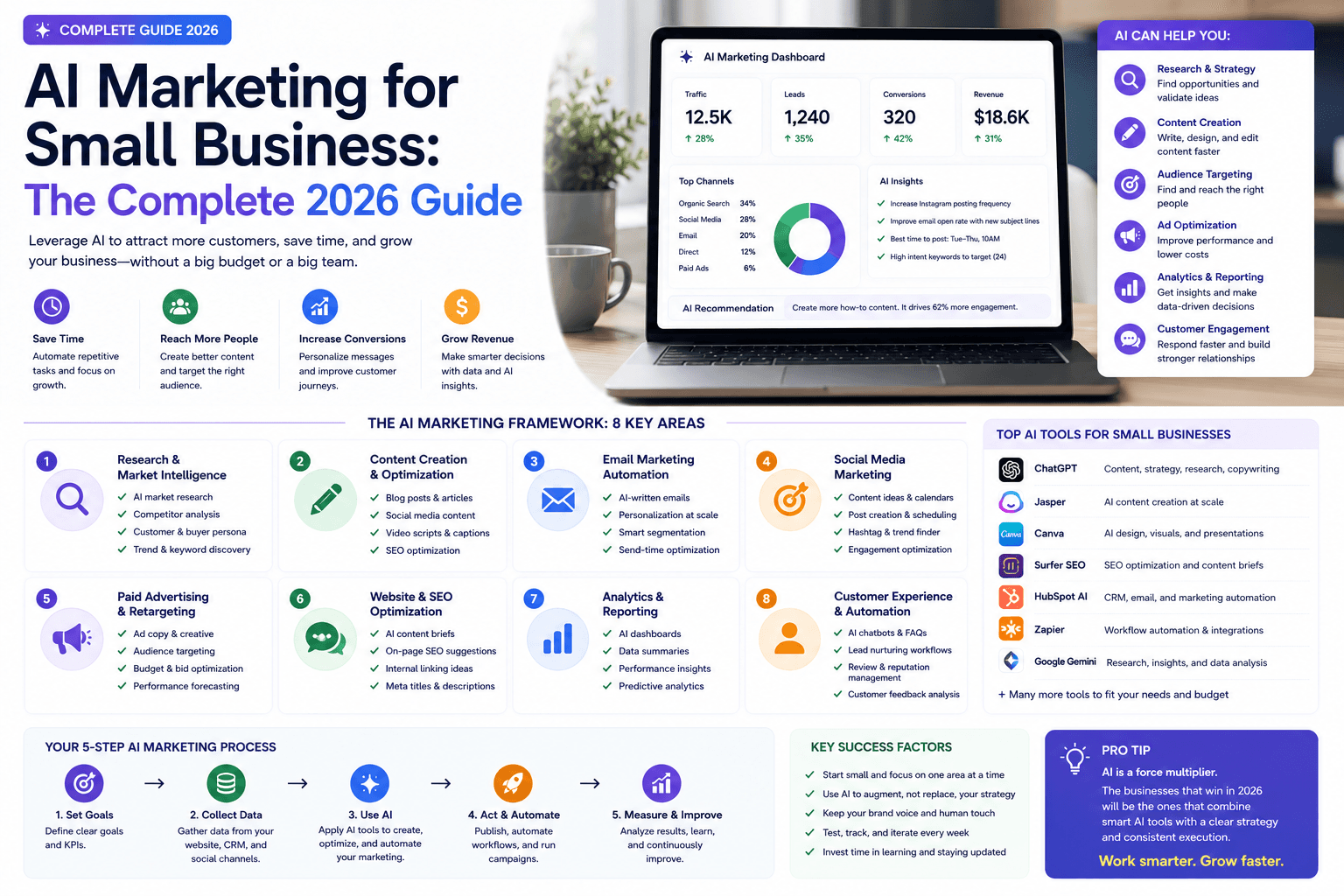
AI Marketing for Small Business: Complete 2026 Guide to Strategy, Tools & ROI
Practical AI marketing for small business in 2026: workflows, lean stack pricing, decision matrix, checklists, risks, Google SEO guidance, and how to measure ROI.
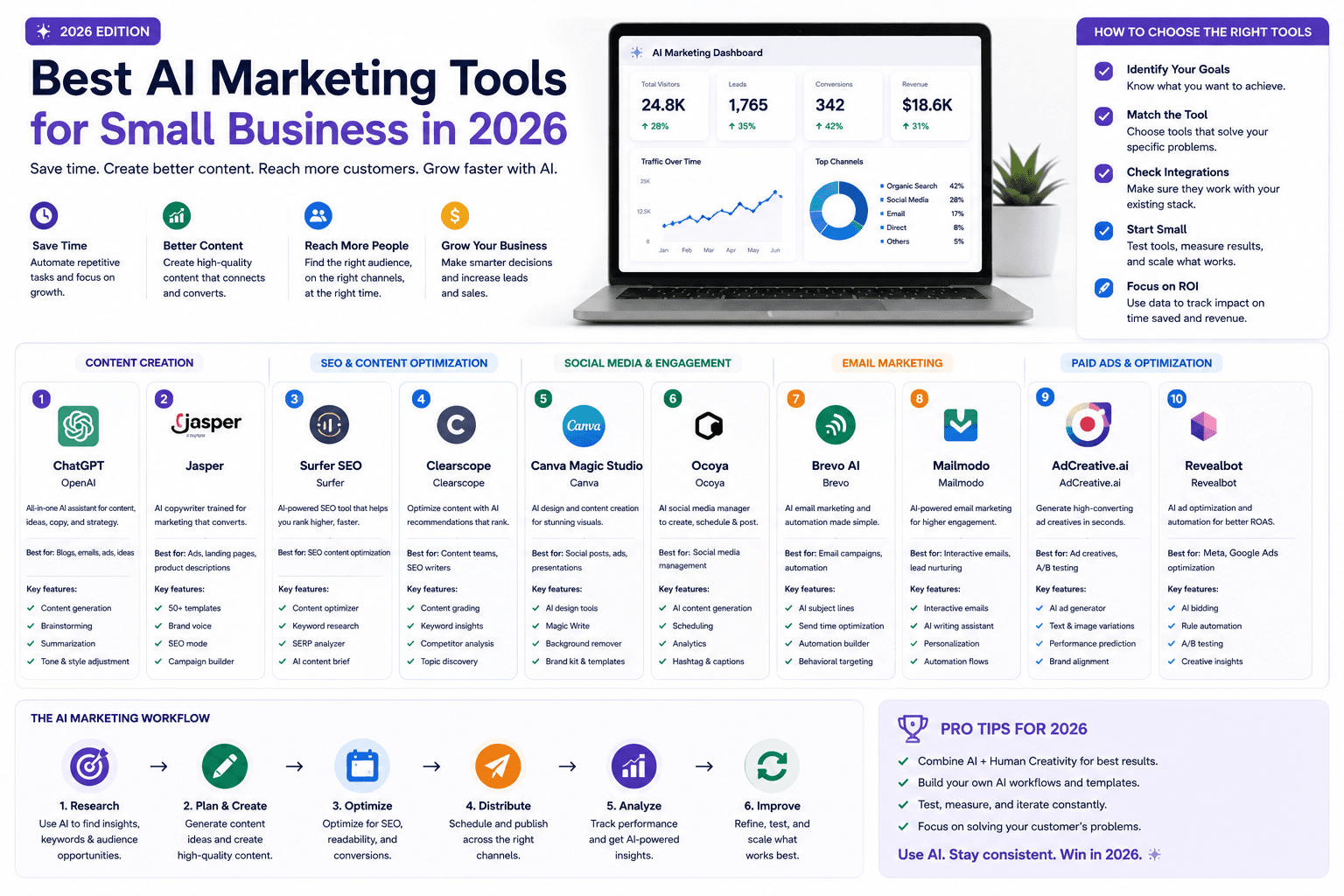
Best AI Marketing Tools for Small Business (2026): Stacks, Pricing & Picks
Compare the best AI marketing tools for small business in 2026 — ChatGPT, Canva, HubSpot, Brevo, Jasper, Buffer, Zapier, and more. Organized by job, budget, and upgrade trigger.
The AI edge, delivered every Tuesday
One 5-minute email: the tools worth your money, the plays that are working right now, and zero hype. Unsubscribe anytime.
No spam. No selling your data. Read by owners of restaurants, gyms, clinics, and agencies across the US, UK, Canada, and Australia.