Google Workspace Studio: 2026 SMB Guide
Build Google Workspace Studio flows for SMBs: Gmail invoice logging, Meet follow-ups, Sheets triggers, limits, approval rules, and when Zapier still wins.

Most small businesses already pay for Google Workspace—and still pay Zapier to move a PDF from Gmail into a Sheet. That is fine when the trigger spans five vendors. It is wasteful when the entire job lives inside Gmail, Drive, and Sheets.
Google Workspace Studio is Google’s no-code place to design, manage, and share AI-powered flows (agents) across Workspace apps. Describe the job in plain language and Gemini builds a starter-plus-steps flow—or assemble it yourself from preconfigured steps. Google positions Studio as generally available with Business and Enterprise Workspace plans.
This is the practical Google Workspace Studio guide for owners, agencies, marketing teams, ops managers, and founders in the United States, Canada, the United Kingdom, and Australia. It pairs with our Gemini for Google Workspace setup guide and tells you when Zapier / Make / n8n is still the right tool.
Table of contents
- Quick verdict
- What Google Workspace Studio actually is
- The problem it solves
- Who should use it (and who should wait)
- Benefits that show up in a real week
- Real examples by business type
- Step-by-step setup tutorial
- Starters, steps, and the flow anatomy
- Three copy-paste flows to build first
- Tools comparison: Studio vs Zapier vs n8n
- Pros and cons
- Pricing, plans, and limits
- Mistakes that waste money or trust
- Best practices
- FAQ
- Conclusion and next steps
Quick verdict
| If you are… | Start with | Why |
|---|---|---|
| On Google Workspace Business/Enterprise living in Gmail + Drive + Sheets | Workspace Studio | Native flows without a second automation bill for Google-only jobs |
| Still learning Gemini side panels | Finish Gemini for Google Workspace first | Studio amplifies habits you already trust |
| Routing HubSpot → Slack → QuickBooks | Zapier / Make / n8n | Broader connectors and mature multi-vendor routing |
| Need owner recipes on QuickBooks/PayPal/HubSpot | Claude for Small Business | Packaged SMB skills with approve-before-send |
| Need multi-app research packs / Sites | ChatGPT Work | Deliverable assembly beyond Workspace file steps |
Studio wins when the job is event → Gemini judgment → Workspace action inside Google. Classic iPaaS wins when the job must touch many non-Google systems reliably.
What Google Workspace Studio actually is
According to Google’s Workspace Studio product page and the December 2025 Workspace Updates launch note (with later rollout updates), Workspace Studio is:
- the place to create, manage, and share AI agents that automate work in Workspace;
- an evolution of the earlier Google Workspace Flows alpha;
- usable by describing work in plain language (Gemini builds the flow) or by stacking preconfigured steps;
- manageable from Studio itself and from surfaces like Gmail, Chat, and Drive.
It is not:
- Google AI Studio (the developer prototyping tool for Gemini apps);
- Google Flow the filmmaking product;
- a full replacement for Zapier when your stack is mostly non-Google.
Flow anatomy (the only mental model you need)
Every flow has:
- One starter — the event or schedule that begins a run (new email, form response, sheet change, meeting outputs ready, and more).
- One or more steps — actions and AI tasks after the starter (Extract, Ask Gemini, Add a row, Draft an email, Add attachments to Drive, Check if, and more).
Google’s Guide to Starters & Steps is the catalog. Learn the catalog once; templates become optional.
The problem: automation taxes on work that never leaves Google
Small businesses do not fail at automation because they lack tools. They fail because:
- Invoice PDFs sit in Gmail while the tracker Sheet stays empty.
- Meet notes exist, but nobody turns them into tasks and a follow-up draft.
- Form leads land in a response tab nobody opens until Friday.
- Zapier task usage climbs for jobs that are 100% Gmail → Drive → Sheets.
- AI chat drafts help once—then the same paste ritual repeats tomorrow.
Studio sits between Gemini chat (judgment without triggers) and Zapier (triggers across many vendors). Use it for Google-native loops; keep multi-vendor platforms for everything else—same pattern as AI automation for small business.
Who should use it (and who should wait)
Good fit
- Teams already on Workspace Business/Enterprise with Gemini access enabled by admin policy.
- Ops and finance owners who want invoice/receipt logging without a new SaaS seat.
- Agencies that run client intake forms, Drive folders, and Meet follow-ups in Google.
- Founders willing to test run every flow and keep humans on sends.
Wait (or start elsewhere)
- Personal Gmail-only shops — Studio is a Workspace/work-account product path; consumer limits differ.
- Heavy Shared Drive cultures — Google’s create-flow help states flows can fail with Shared Drives, shared folders, or sheets using IMPORTRANGE; many file steps expect files private to you.
- Regulated auto-send requirements you have not reviewed with counsel — start draft-only.
- Stacks where the system of record is HubSpot/Salesforce/Slack-first — evaluate Zapier/Make/n8n (and Studio’s beta third-party steps carefully).
Benefits that show up in a real week
Used correctly, Workspace Studio removes the boring middle:
- Inbox → ledger without copy-paste. Extract vendor, amount, and date; append a Sheet row; file the PDF in Drive.
- Meet → follow-up packet. When meeting outputs are ready, summarize, create tasks, draft the email—you still send.
- Form → triage. New Form response → Ask Gemini / Decide → label, task, or Chat notify.
- Scheduled catch-up. Daily unread email recap to Chat so mornings start with a list, not archaeology.
- Permission continuity. Google’s Studio FAQ states access controls are respected: Studio can only access data the initiating user can access; processed Studio data is not used to train Google’s general AI models outside the customer’s domain; data is not used for advertising.
Measure one workflow for two weeks before you build ten. Activity without an owner is just a new failure mode.
Real examples by business type
1) Local service business
Job: Log vendor invoices and receipts.
Studio shape: Gmail starter (has attachment + words like invoice/receipt) → Add attachments to Drive → Extract fields → Add a row in a private expenses Sheet → optional Chat notify → no auto-pay.
Human gate: Owner reviews the Sheet weekly; bookkeeper owns coding.
2) Agency
Job: Turn discovery form replies into a kickoff draft.
Studio shape: Form response starter → Ask Gemini with a proposal outline prompt → Create/Add to a Doc in My Drive → Chat notify the AM → human edits and sends.
Human gate: Account lead locks scope and price.
3) Ecommerce / ops
Job: File supplier PDFs and flag anomalies.
Studio shape: Drive “item added to folder” or Gmail attachment flow → Extract → Sheet log → Decide “needs review” → Chat notify if true.
Human gate: Ops reviews flagged rows before inventory updates.
4) Professional services
Job: After client Meet, produce follow-ups.
Studio shape: Meeting outputs ready (transcript or Notes by Gemini) → Summarize → Create tasks → Draft email to attendees → human sends.
Human gate: Partner removes anything confidential before send.
These complement AI invoice automation and AI CRM automation playbooks when your CRM is outside Google.
Step-by-step setup tutorial
Step 1 — Confirm plan and admin access
Google states Workspace Studio is generally available with Business and Enterprise Workspace plans. Admins can enable/disable Studio and control Gemini-in-Studio features, Workspace service steps, and Marketplace integrations (admin setup guide).
Checklist:
- You are on a supported Workspace edition.
- Your admin allows Studio for your OU/group.
- Gemini features needed for Ask Gemini / Extract / Decide are allowed.
- You will build against My Drive private files for the pilot (avoid Shared Drive footguns).
Step 2 — Open Studio
Common paths:
- Visit studio.workspace.google.com while signed into your work account.
- Use the Studio entry points inside Gmail / Drive / Chat when shown.
On the Discover/home experience you can describe a flow for Gemini to draft, browse templates, or open My flows.
Step 3 — Build your first flow the slow way (recommended once)
From Google’s create a flow from scratch pattern:
- Choose one starter (example: When I get an email → has attachment + has the words
invoice). - Add Add email attachments to Drive → private folder in My Drive.
- Add Extract → Vendor, Amount, Invoice number, Date.
- Add Add a row → private Sheet with a clean header row (no scorecards in row 1).
- Add Notify me in Chat with the extracted fields.
- Test run with a real sample email.
- Only then Turn on.
Prefer Draft an email over silent external sends until the flow is boringly correct.
Step 4 — Or let Gemini draft the flow, then interrogate every step
On the home box, describe the outcome in plain English, for example:
When I get an email with a PDF invoice attachment, save the PDF to My Drive folder Invoices 2026,
extract vendor, invoice number, amount, and date, add a row to my private Expenses sheet,
and notify me in Chat. Do not send any email to the vendor.
Then open each step: confirm folders, sheet tabs, variable mapping, and that nothing sends externally.
Step 5 — Name, owner, and kill switch
- Name flows like
Finance / Invoice log / Draft-only. - Document the owner in a Drive SOP.
- Know how to turn the flow off in My flows if it misfires.
Step 6 — Expand only after two clean weeks
Add a second flow (Meet follow-up or Form triage). Do not clone ten Gmail starters on day one—Google enforces Gmail starter concurrency limits (see Pricing & limits).
Starters, steps, and the flow anatomy
High-value starters for SMBs
| Starter | Typical SMB use |
|---|---|
| When I get an email | Invoices, VIP clients, attachments |
| On a schedule | Morning unread recap |
| When a form response comes in | Lead or intake triage |
| When meeting outputs are ready | Post-call tasks + draft follow-up |
| When an item is added to a folder | Contract/PDF intake from a drop folder |
| When a sheet changes | Status column → notify or task |
| Based on a meeting | Pre-meeting agenda ping |
High-value steps for SMBs
| Step | Use it to… |
|---|---|
| Extract | Pull vendor/amount/fields from email or PDF content |
| Ask Gemini / Decide | Classify urgency, choose a branch |
| Check if / Filter / Repeat for each | Conditional and list logic |
| Add a row / Update rows | Private Sheet ledgers |
| Add email attachments to Drive | File PDFs (not linked Workspace files) |
| Draft an email | Human-reviewed replies |
| Create a task / Notify me in Chat | Personal accountability |
| Ask Gemini Notebook | Answer from a grounded notebook source pack |
| Deep Research / Create with Gemini (Beta) | Heavier research or doc/deck generation—meter usage |
Third-party steps (Asana, Slack, Mailchimp, Jira, Confluence, and similar) appear as Beta and work-account oriented in Google’s catalog—treat them as optional, admin-governed, and less mature than Gmail/Drive/Sheets steps.
Three copy-paste flows to build first
Flow A — Invoice PDF → Drive + Sheet (draft-safe)
Prompt for Gemini build:
Starter: When I get an email that has an attachment and includes the words invoice or receipt.
Steps: Save attachments to My Drive folder "Invoices/2026".
Extract vendor name, invoice number, amount, and date from the saved PDF.
Add a row to my private Google Sheet "Expense Log 2026" mapping those fields.
Notify me in Chat with vendor and amount.
Do not email anyone outside my account.
Pair with your AI invoice automation controls: Studio logs; humans pay.
Flow B — Meet outputs → tasks + draft follow-up
Starter: When meeting outputs are ready for meetings I organized (Notes by Gemini).
Steps: Summarize decisions and action items.
Create a Google Task for each action item I own.
Draft an email to attendees with the summary.
Notify me in Chat with a link to the draft.
Do not send the email automatically.
Flow C — Form lead → Sheet + Chat (no spam)
Starter: When a form response comes in on "Website Lead Form".
Steps: Decide if the lead is a fit using our ICP rules in the prompt.
If true, add a row to private Sheet "Lead Inbox".
Notify me in Chat with name, email, and reason.
If false, label or log as nurture-only—do not email the lead automatically.
For email nurture systems after a human qualifies the lead, use your AI email marketing playbook—not unsupervised Studio blasts.
Tools comparison: Studio vs Zapier vs n8n
| Dimension | Google Workspace Studio | Zapier / Make | n8n |
|---|---|---|---|
| Best for | Google-native event → AI → Workspace action | Multi-SaaS triggers with huge app catalogs | Technical teams, self-host, deep AI agent graphs |
| AI judgment | First-class Ask Gemini / Extract / Decide steps | AI steps available; often metered separately | Strong AI nodes; more setup skill required |
| Connector breadth | Deep Google + growing third-party betas | Thousands of apps | Large library + HTTP flexibility |
| Ops reality | Private My Drive file constraints on many steps | Shared drives and SaaS objects usually fine | Depends on how you host and auth |
| Cost shape | Included in Workspace Business/Enterprise | Task/credit bills that scale with volume | Execution-based; self-host option |
| Start here if | The job never leaves Google | The job spans CRM + ads + SMS + billing | You want control, agents, or self-hosting |
Practical stack:
- Studio for Gmail/Drive/Sheets/Meet loops.
- Zapier/Make/n8n for everything else (full comparison).
- Gemini side panel / Gems for interactive work (Gemini Workspace guide).
- Humans on money, legal, and customer sends.
Pros and cons
Pros
- Included with Business/Enterprise Workspace—cuts duplicate automation spend for Google-only jobs
- Gemini-native Extract/Decide/Ask steps beat brittle regex for invoices and triage
- Templates plus natural-language build lower the learning curve
- Manage flows from Gmail/Drive/Chat surfaces
- Respects user permissions; Google states Studio-processed data is not used to train general models outside the domain
- Clear path from draft-only to richer automations
Cons
- Not a full Zapier replacement for multi-vendor stacks
- Shared Drive / shared folder / IMPORTRANGE limitations break naive designs
- Flow, step, Gmail-starter, and daily run limits require planning
- Third-party connectors still maturing (many Beta)
- Poorly scoped Ask Gemini steps can burn quota or misfire
- Teams without an approval culture will automate mistakes faster
Pricing, plans, and limits
Workspace Studio is not sold as a standalone Zapier competitor SKU. Google markets it as included with Business and Enterprise Workspace plans. You still pay normal Workspace seat pricing (see Gemini for Google Workspace for Starter/Standard/Plus list prices). Advanced AI quotas and promotional access timelines can still apply—Google’s advanced Gemini features table has called out Workspace Studio promotional access with limits enforcement beginning September 1, 2026; re-check live Admin/Help docs before promising unlimited runs.
Limits to design around (from Google admin help)
| Limit | What Google documents |
|---|---|
| Flows per user | Maximum 25 flows including active and stopped |
| Steps per flow | Maximum 20 steps |
| Gmail starter concurrency | No more than 25 active flows that start from new emails |
| Daily runs | Daily per-user run cap; hitting it pauses flows until the next 24-hour cycle |
| File targets | Flows can fail on Shared Drives, shared folders, or sheets with IMPORTRANGE—prefer private My Drive files for pilots |
Troubleshooting help also notes additional activation errors (for example too many active flows / Gmail starters) and that Gmail starters evaluate messages before personal filters apply, with default labels only (custom labels unavailable in starter filters).
Budget rule of thumb: if Studio replaces a $20–$50/month Zapier slice that only moved Google objects, the ROI is immediate. If you still need HubSpot + Twilio + Shopify webhooks, keep the iPaaS and use Studio beside it.
Mistakes that waste money or trust
- Auto-sending customer email on day one. Start with Draft + Chat notify.
- Pointing flows at Shared Drives. Pilot on private My Drive; expand only when Google’s file support matches your setup.
- Dirty Sheet headers. Scorecards in row 1 break column mapping—use a clean header row.
- Twenty Gmail starters. You will hit concurrency and daily run limits; consolidate filters.
- No owner. Orphan flows become silent data corruption.
- Extract without spot-checks. Gemini field extraction still needs sampling.
- Using Studio for pure multi-vendor jobs. That is what Zapier/Make/n8n are for.
- Ignoring admin controls. Marketplace allowlists and Gemini-in-Studio toggles exist for a reason.
- Looping Chat/email. Prefer defaults that ignore messages sent by flows unless you truly need chaining.
- Skipping test runs. Never turn on a flow that has not processed a real sample.
Best practices
- One flow, two weeks, one metric. Example: % of invoice emails that appear in the Sheet within 15 minutes.
- Draft-only until boredom. When drafts need zero edits for a week, consider limited sends.
- Name by department + risk.
Finance / Invoice log / No-send. - Keep SOPs in Drive. Document starter filters and Sheet schema.
- Separate personal and client flows. Different folders, different Sheets.
- Review My flows monthly. Turn off anything unused before you hit the 25-flow ceiling.
- Combine with content and CRM systems. Studio captures; your marketing and CRM playbooks nurture.
- Browse comparisons before stacking tools. See /comparisons, /resources, and /prompts.
FAQ
Is Google Workspace Studio free?
It is included with supported Business and Enterprise Google Workspace plans rather than sold as a classic standalone automation SKU. You still pay Workspace seats, and AI/run limits can apply. Confirm admin enablement and live Help Center limits.
Is Workspace Studio the same as Google AI Studio?
No. Workspace Studio automates work inside Google Workspace. Google AI Studio is a developer tool for prototyping Gemini applications.
Can Workspace Studio replace Zapier?
For many Google-only jobs, yes. For multi-vendor stacks (CRM + SMS + ads + billing), keep Zapier, Make, or n8n (comparison).
Why did my flow fail on a Shared Drive file?
Google’s create-flow guidance states flows can fail when using Shared Drives, shared folders, or spreadsheets with IMPORTRANGE; files often must be private to you. Rebuild the pilot on My Drive, then revisit sharing patterns.
How many flows can I create?
Google’s admin documentation cites a maximum of 25 flows per user (active + stopped), 20 steps per flow, and additional caps on active Gmail-starter flows and daily runs.
Does Studio train on my business data?
Google’s Studio FAQ states customer data remains the customer’s property, is not used for advertising, and data processed within Studio is not used to train Google’s general AI models outside the customer’s domain, with enterprise-grade controls and respect for user access permissions. Confirm the live Privacy Hub for your edition.
Should I use Studio or Gemini chat?
Use Gemini chat/side panel for interactive one-off work. Use Studio when the same event should run without you babysitting each occurrence—see Gemini for Google Workspace.
Conclusion and next steps
Google Workspace Studio is the missing trigger layer for teams that already live in Gmail, Drive, Sheets, Forms, and Meet. It will not erase Zapier. It should erase the embarrassment of paying a third-party automation bill to move a PDF from your inbox into your own Sheet.
Your move this week:
- Confirm Business/Enterprise access and admin Studio/Gemini toggles.
- Build Flow A (invoice → Drive → Sheet → Chat) on private My Drive files.
- Test with three real emails; spot-check Extract fields.
- Keep draft-not-send as the default for anything external.
- Add Meet follow-up or Form triage only after two clean weeks.
- Keep Zapier/Make/n8n for non-Google systems—and keep humans on money and customer promises.
Next in this series: Microsoft Copilot for small business—the parallel playbook for Microsoft 365-native teams.
The AI edge, delivered every Tuesday
One 5-minute email: the tools worth your money, the plays that are working right now, and zero hype. Unsubscribe anytime.
No spam. No selling your data. Read by owners of restaurants, gyms, clinics, and agencies across the US, UK, Canada, and Australia.
Key takeaway
Build Google Workspace Studio flows for SMBs: Gmail invoice logging, Meet follow-ups, Sheets triggers, limits, approval rules, and when Zapier still wins. For more step-by-step guides, browse our blog or explore Automation.
Frequently asked questions
Is Google Workspace Studio free?
Google Workspace Studio is included with supported Business and Enterprise Google Workspace plans rather than sold as a standalone Zapier-style SKU. You still pay Workspace seats, and AI or daily run limits can apply. Confirm admin enablement and current Help Center limits.
Is Workspace Studio the same as Google AI Studio?
No. Workspace Studio automates work inside Google Workspace with flows. Google AI Studio is a developer prototyping environment for building Gemini applications.
Can Google Workspace Studio replace Zapier?
For many Google-only jobs—such as Gmail PDF to Drive and Sheets—yes. For multi-vendor stacks spanning CRM, SMS, ads, and billing systems, keep Zapier, Make, or n8n and use Studio beside them.
Why do Shared Drive flows fail?
Google’s create-flow guidance states flows can fail when using Shared Drives, shared folders, or spreadsheets with IMPORTRANGE, and that files must be private to you for many setups. Pilot on My Drive private files first.
How many Workspace Studio flows can I create?
Google’s admin documentation cites a maximum of 25 flows per user including active and stopped flows, a maximum of 20 steps per flow, limits on active Gmail-starter flows, and a daily per-user run cap that pauses flows when exceeded.
Does Workspace Studio use my data to train models?
Google’s Studio FAQ states customer data remains the customer’s property, is not used for advertising, and data processed within Studio is not used to train Google’s general AI models outside the customer’s domain, while respecting user access permissions. Confirm the live Privacy Hub for your edition.
Should I use Workspace Studio or the Gemini side panel?
Use the Gemini side panel for interactive one-off drafting and analysis. Use Workspace Studio when a repeating event should run a multi-step flow without manual babysitting each time.
What is the safest first Studio flow for a small business?
Start with an invoice or receipt logger: Gmail starter with attachments, save to a private Drive folder, Extract fields, add a Sheet row, and Chat notify—without sending email to vendors. Test on real samples for two weeks before adding sends.
Written by
AI Growthub StaffEditorial Team
The AI Growthub editorial team covers practical AI news, tools, and workflows for small business owners. Every article is fact-checked against primary sources before publication.
Comments are coming soon
We’re building a discussion space for business owners. Until then, reply to any newsletter issue — we read everything.
Related posts
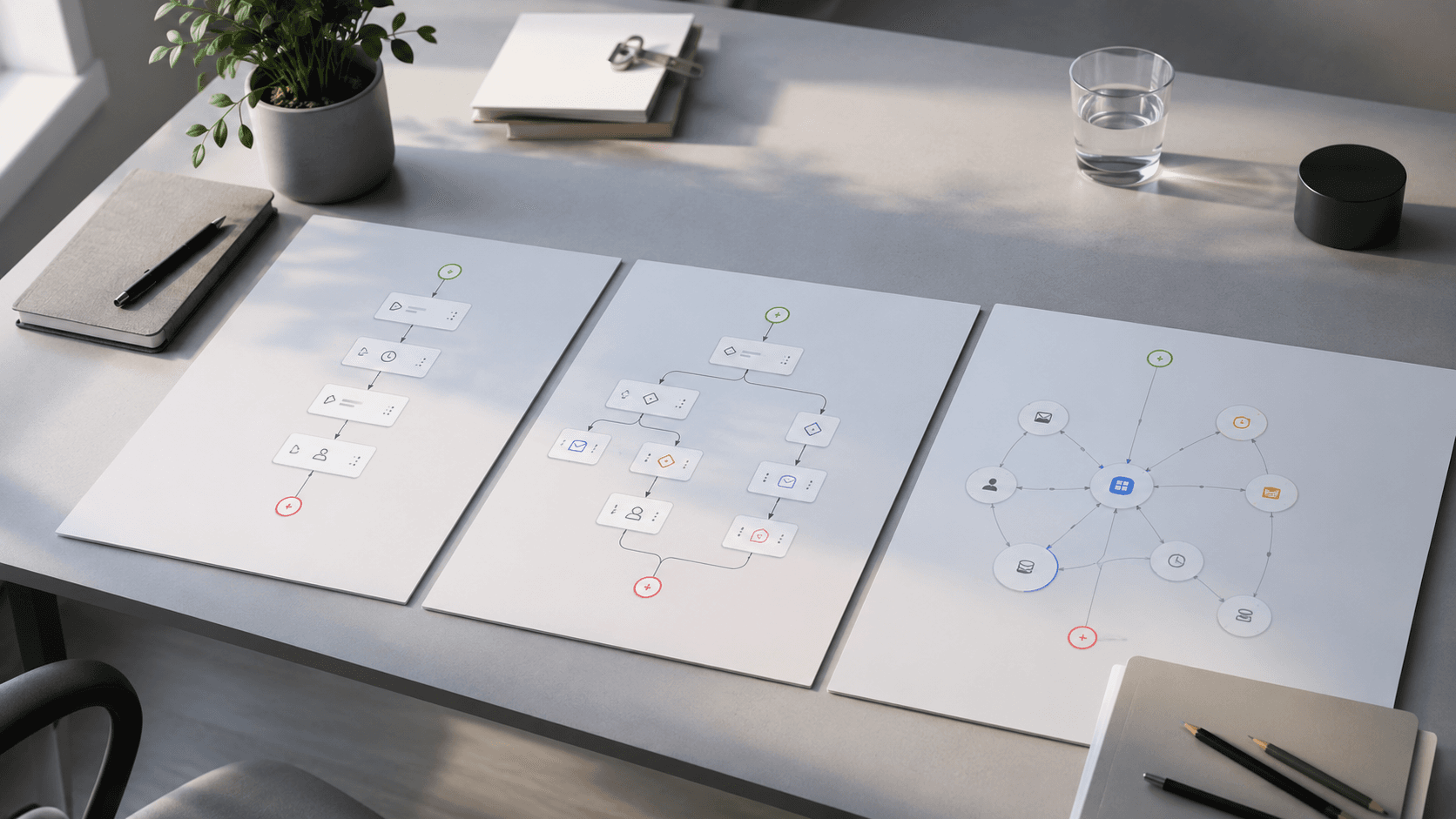
n8n vs Zapier vs Make (2026): Best for SMBs?
Honest Zapier vs Make vs n8n comparison for small business: pricing units, AI agents, real cost scenarios, and which platform to start with.
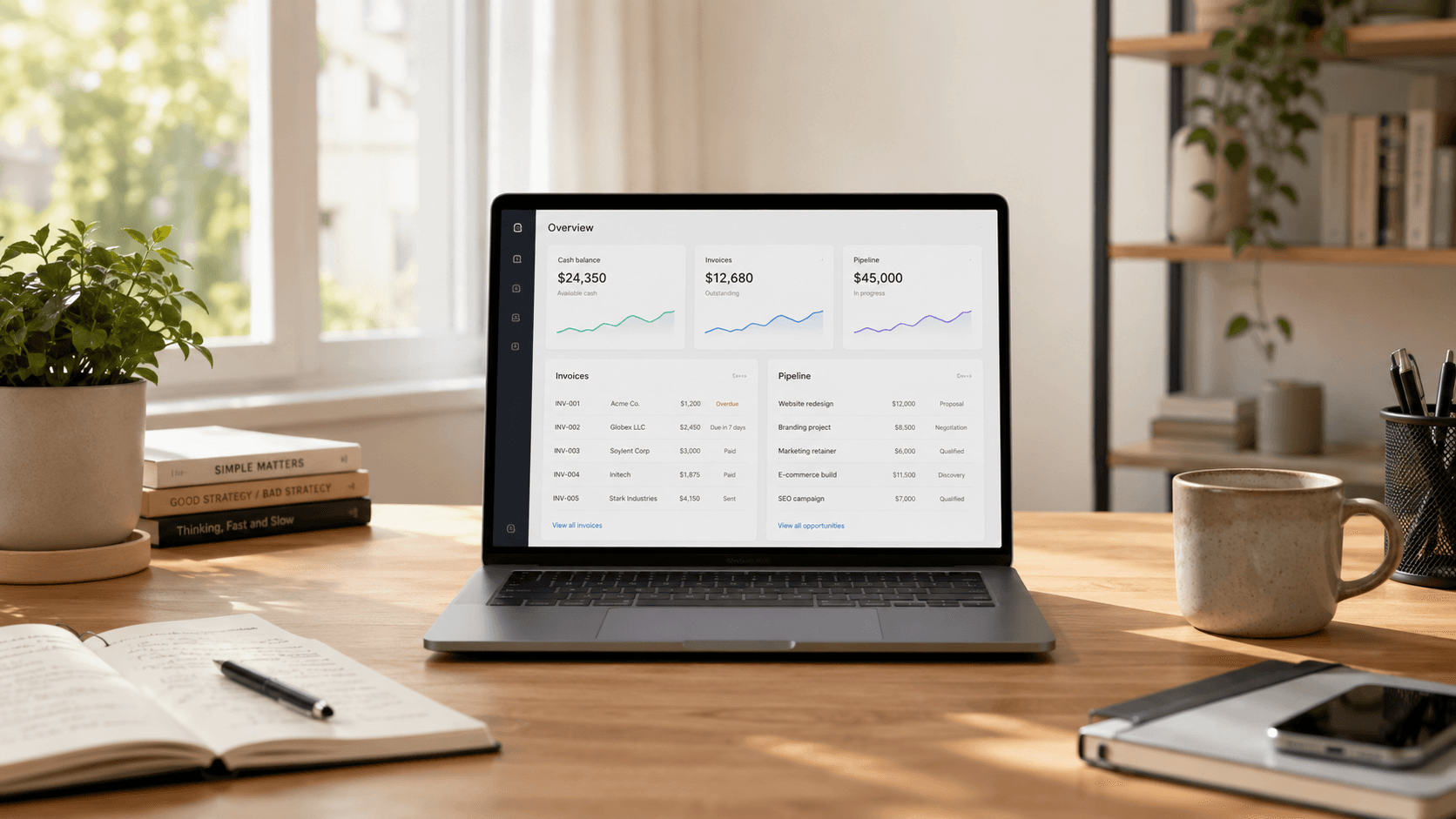
Claude for Small Business: Complete 2026 Setup Guide
Install Claude for Small Business, connect QuickBooks & HubSpot, run the 15 workflows, compare ChatGPT Work, and avoid costly approval mistakes.

AI Onboarding Workflow: Automate New Client & Employee Kickoffs
Build an AI onboarding workflow for new clients and employees: checklists, welcome sequences, document requests, and kickoff summaries with human review.
The AI edge, delivered every Tuesday
One 5-minute email: the tools worth your money, the plays that are working right now, and zero hype. Unsubscribe anytime.
No spam. No selling your data. Read by owners of restaurants, gyms, clinics, and agencies across the US, UK, Canada, and Australia.