Tidio Review 2026: AI Chat for Small Business Websites That Need Leads
Tidio review for SMBs: Lyro AI, Flows, live chat pricing, billable vs AI conversation limits, setup checklist, and when Intercom or an AI receptionist fits better.
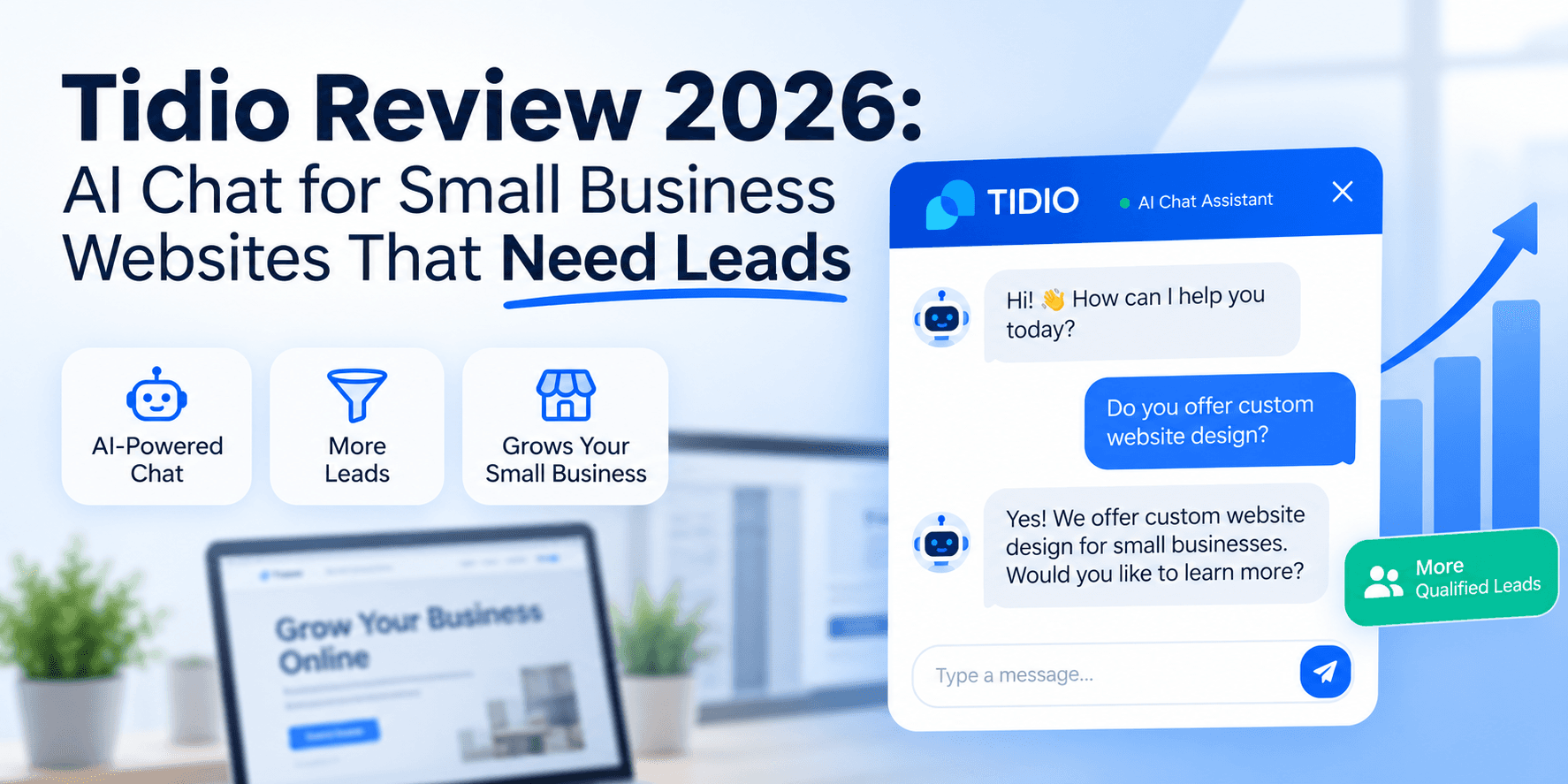
Most small business websites still lose visitors at “I’ll call later.” A chat widget that answers hours, pricing ranges, and books a callback is often the highest-ROI install you can ship in an afternoon—if you pick a tool your team can actually maintain.
Tidio combines live chat, visual Flows, ticketing, and Lyro AI Agent in one SMB-friendly stack. According to Tidio's pricing page, you can start free, add Lyro when your FAQ knowledge base is ready, and scale human handoff as traffic grows. This review evaluates Tidio for owners, agency operators, and ops managers who need website chat and lead capture—not an enterprise contact center.
For the broader category map, see AI chatbots for small business. For phone coverage in the same stack, pair chat with AI receptionist for small business—different channel, same leak.
Table of Contents
- Quick Summary
- What Is Tidio?
- Who Should Use Tidio
- Who Should NOT Use Tidio
- Key Features
- Pricing
- Pros and Cons
- Best Use Cases
- Limitations
- Things to Consider Before Choosing
- Tidio vs Competitors
- Full Comparison Table
- Decision Matrix
- Best For by Business Type
- How Tidio Billing Works
- Setup Walkthrough
- Launch Checklist
- Common Mistakes
- Alternatives
- FAQ
- Final Recommendation
Quick Summary
| Dimension | Verdict |
|---|---|
| Best for | Small sites needing chat + lead capture without enterprise helpdesk bloat |
| Editorial rating | 4.2 / 5 — fast SMB setup, strong Flows + Lyro combo; watch add-on math |
| Pricing from | Free ($0/mo); paid help desk from $24.17/mo annual; Lyro from $32.50/mo annual |
| Free trial | 7-day full-feature trial (no card required per Tidio FAQ) |
| Standout strength | Visual Flows for qualification + Lyro for FAQ deflection in one widget |
| Main weakness | AI and automation are add-ons with separate quotas—not bundled unlimited AI |
What Is Tidio?
Tidio is a customer messaging platform for small and mid-sized businesses. Per Tidio's product documentation, it bundles three core products you can buy together or separately:
- Customer Service (Help Desk) — live chat, ticketing, email and social channels, team inbox.
- Lyro AI Agent — AI support agent that answers from your uploaded FAQs, scraped site content, or imported help articles.
- Flows — no-code visual automations that proactively engage visitors (lead forms, quote requests, missed-chat recovery).
Unlike a standalone LLM chat window, Tidio sits on your website (or Shopify store) as a widget, captures visitor context, and routes conversations to humans when AI or Flows cannot resolve the issue.
Tidio also sells Lyro as a standalone product at getlyro.ai for teams that want AI on top of Zendesk, Salesforce, or another help desk—useful if you already pay for ticketing elsewhere.
For how chatbots differ from phone AI and multi-step agents, see AI agent vs chatbot vs Zapier.
Who Should Use Tidio
Strong fit
- Local service businesses (HVAC, cleaning, landscaping) where visitors ask hours, areas served, and ballpark pricing before calling.
- E-commerce stores on Shopify needing cart recovery, shipping FAQs, and order-status deflection. See AI workflow for Shopify stores.
- Agencies and consultants who want a professional chat widget without hiring a developer.
- Appointment-led businesses that can send chat visitors to a booking link after one qualifying question.
- Teams of 1–10 that need live chat, basic ticketing, and optional AI—not a 50-seat enterprise desk.
Signals you are ready
- You can list your top 20 visitor questions from email, DMs, and phone calls.
- Someone checks the inbox at least twice daily during business hours.
- You have a human escalation path—not “the bot handles everything.”
- You know whether lead capture or FAQ deflection is job one for week one.
Who Should NOT Use Tidio
Skip or delay Tidio if:
- Inbound phone calls dominate and website traffic is thin—AI receptionist addresses a different leak.
- Your FAQ content is empty. Lyro invents policies when the knowledge base is thin. Fix content first using how to train an AI chatbot on business FAQs.
- You need enterprise SLA, SSO, and custom analytics on day one—Tidio Plus/Premium exist, but buyers at that tier often compare Intercom, Zendesk, or Freshdesk first.
- Nobody will maintain Flows or review Lyro answers weekly. Unmaintained automation erodes trust faster than no chat at all.
- Regulated advice must stay human-only and you will not configure refusal rules for clinical, legal, or financial questions.
Key Features
| Feature | What it does | Why SMBs care |
|---|---|---|
| Live chat widget | Embeds on site; shows online/offline status | Captures visitors who would bounce without calling |
| Lyro AI Agent | Answers from your support content with NLU | Deflects repeat FAQs after hours |
| Flows builder | Visual drag-and-drop automation paths | Qualifies leads with one question before booking |
| Ticketing | Converts chats/emails/social into assignable tickets | Small teams get structure without a second tool |
| Shopify actions | Native store integrations on paid tiers | Order lookup and sales-oriented Flows templates |
| Copilot | AI assist for human agents drafting replies | Speeds live agents without auto-sending |
| Multichannel | Messenger, Instagram, WhatsApp, email (plan-dependent) | Meets buyers where they already message |
| Mobile + desktop apps | Reply from phone on the go | Owner-operators are rarely at a desk |
| Lyro Connect / Actions | API-style actions Lyro can trigger (paid tiers) | Book callbacks, create tickets, pull order data |
| Analytics | Basic on Starter; advanced on Growth+ | Spot drop-off in Flows and Lyro resolution rate |
Pricing
Confirm live prices on Tidio's pricing page before you buy. Figures below reflect public list pricing researched August 2026 (annual billing unless noted).
Tidio Free
$0/mo
Test chat + one Flow before you pay
- 50 billable conversations/mo
- 50 Lyro conversations (one-time lifetime)
- 100 Flows visitors reached/mo
- Live chat & ticketing
- Up to 10 seats
Starter
$24.17/mo annual
More human chat capacity
- 100 billable conversations/mo
- 50 Lyro conversations (one-time)
- 100 Flows visitors/mo
- Basic analytics
- Operating hours
Growth
$49.17/mo annual
Teams scaling support + automation
- From 250 billable conversations/mo
- Advanced analytics
- Macros & auto-assignment
- Live typing preview
- Lyro/Flows add-ons as needed
Help desk plans (Customer Service)
| Plan | Annual price | Billable conversations | Notes |
|---|---|---|---|
| Free | $0/mo | 50/mo | 50 Lyro (lifetime, non-renewing); 100 Flows visitors/mo |
| Starter | $24.17/mo | 100/mo | Same one-time Lyro/Flows free quotas as Free |
| Growth | From $49.17/mo | From 250/mo | Popular tier; automation add-ons scale here |
| Plus | From $300/mo + usage | Custom | Discounted usage rates, departments, OpenAPI |
| Premium | Contact sales | Custom | Managed Lyro, pay-per-resolution, 50% resolution guarantee |
Per Tidio's FAQ, a billable conversation is one where a human agent replies or proactively starts the chat. Unanswered spam and messages handled entirely by Lyro or Flows without a human reply are not billable the same way—read their definitions before forecasting costs.
Automation add-ons (often required for serious AI)
| Add-on | From (annual) | Unit | What you get |
|---|---|---|---|
| Lyro AI Agent | $32.50/mo | 50 Lyro conversations/mo (renewable) | FAQ upload, scraper, Guidance, Actions on paid tiers |
| Flows | $24.17/mo | 2,000 visitors reached/mo | Proactive chat automation, sales/FAQ templates |
| Remove Tidio branding | $16.67/mo | Add-on | Custom widget branding on eligible plans |
Lyro standalone on getlyro.ai starts at $39/mo monthly or $32.50/mo annual for 50 AI conversations—tiers scale to 1,000+ conversations on self-serve plans.
Realistic SMB stacks (illustrative)
| Profile | Likely stack | Rough monthly (annual) |
|---|---|---|
| Solo site, low chat volume | Free | $0 |
| Service business with daily chats | Starter + Lyro 50 | ~$57/mo ($24.17 + $32.50) |
| Shopify store with proactive cart Flows | Growth + Flows 2k + Lyro 100 | ~$130–160/mo depending on tiers |
| Agency client site | Growth + Lyro 200 | ~$170/mo+ |
Add human maintenance time. Four hours/month tuning FAQs and Flows at $50/hour is $200 in labor—often more than the subscription.
Pros and Cons
Pros
- Fast widget install—useful for lead capture on day one without a developer
- Visual Flows builder is approachable for non-technical operators
- Lyro answers from your content—not a generic ChatGPT wrapper—when KB is solid
- Free tier and 7-day trial let you validate chat demand before upgrading
- Combines live chat, ticketing, and automation in one SMB-priced stack
- Shopify-native actions and templates for e-commerce use cases
- Lyro can integrate with external help desks via standalone Lyro product
Cons
- Lyro's 50 free conversations are lifetime—not monthly—then AI stops until you pay
- Automation (Lyro + Flows) bills separately from help desk plans
- Per-conversation AI pricing adds up quickly on traffic spikes
- Not a full enterprise helpdesk—Plus/Premium needed for advanced security and SSO
- Widget appearance settings are shared across multiple sites on one project
- AI quality collapses when FAQ content is thin or outdated
- Design customization has limits compared to fully custom chat builds
Best Use Cases
After-hours lead capture
A visitor lands at 9 p.m., asks if you serve their zip code, and gets a Flow that collects email + service type. Lyro handles FAQ-shaped questions from your uploaded policies. A human follows up the next morning—connected to AI lead generation workflow and AI CRM automation.
FAQ deflection for service businesses
Upload hours, service areas, warranty terms, and pricing ranges (not exact quotes Lyro cannot know). Lyro resolves repetitive questions; Flows escalate “I need a quote” to a form. Aligns with AI customer service automation patterns.
Shopify order and shipping questions
Use native Shopify actions and sales Flows templates. Route complex refunds to humans. Pair with n8n vs Zapier vs Make to push high-value chats into Slack or CRM automatically.
Agency client websites
Install on client sites with separate Tidio projects if branding/hours differ. Document Flows so handoffs are maintainable when the account changes hands.
Limitations
Tidio will not fix:
- Empty or wrong FAQ content — AI confidently states incorrect policies (train your chatbot properly)
- No human coverage plan — bots that cannot escalate frustrate buyers
- Phone-primary businesses — chat does not answer the Google Business Profile phone button
- Complex regulated advice — configure hard refusals; keep clinical/legal/financial answers human-only
- Duplicate automation — if you also run Zapier chatbots and Tidio Flows, leads may double-fire
Automation multiplies process quality. The same caution applies in Claude for Small Business and ChatGPT Work—draft and approve, do not auto-send promises.
Things to Consider Before Choosing
- Channel priority: Website chat or phone? Chat-first → Tidio. Call-first → receptionist + chat later.
- Who maintains the inbox? Tidio fails when nobody reads transcripts for two weeks.
- Is your FAQ ready? Write 20–40 Q&As before enabling Lyro on every page.
- Which unit will bind first? Billable conversations, Lyro AI conversations, or Flows visitors?
- Do you need CRM routing on day one? Plan Zapier/Make/n8n or native integrations before go-live.
- Will you remove Tidio branding? Budget $16.67/mo add-on if white-label matters.
- Multi-site behavior: Same widget settings across sites on one project—use separate projects if hours/branding differ per Tidio FAQ.
Tidio vs Competitors
| Competitor | Best when | Tidio wins when |
|---|---|---|
| Intercom / Fin | SaaS with complex product tours and enterprise support | You want lower entry price and simpler SMB setup |
| HubSpot chat | You already pay for HubSpot CRM/marketing hub | You want standalone chat without CRM suite lock-in |
| Crisp | Budget EU teams needing basic chat | You want stronger Flows + Lyro AI bundle |
| Zendesk / Freshdesk | Ticket volume is primary; chat is secondary | You are chat-first on a small marketing site |
| Custom ChatGPT embed | Fully custom UX and dev resources exist | You want visual Flows and inbox without building |
| AI receptionist (Rosie, Goodcall) | Phone is the main channel | Website visitors need instant answers before calling |
For CRM routing after capture, see HubSpot vs Pipedrive AI CRM.
Full Comparison Table
| Dimension | Tidio | Typical SMB alternative |
|---|---|---|
| Entry price | Free ($0/mo) | Intercom/HubSpot often higher minimums |
| AI model | Lyro (content-grounded agent) | Varies—some use generic GPT wrappers |
| Visual automation | Flows (drag-and-drop) | Zapier (linear), custom code (dev time) |
| Billing complexity | 3 units: billable, Lyro, Flows | Often simpler single-metric plans |
| Shopify fit | Native actions + templates | Strong on Shopify Inbox; weaker elsewhere |
| Enterprise features | Plus/Premium tiers | Zendesk/Intercom lead at scale |
| Standalone AI on existing desk | Lyro via getlyro.ai | Limited on some chat-only tools |
| Setup time | Hours for basic widget + Flow | Days–weeks for custom builds |
| Editorial rating | 4.2 / 5 for SMB lead + FAQ chat | Depends on use case |
Decision Matrix
| Your situation | Recommendation | Why |
|---|---|---|
| Need chat live this afternoon | Tidio Free | Fast install; validate demand |
| 20+ FAQs documented | Add Lyro 50+ quota | Renewable AI after lifetime free tier |
| Proactive cart or quote Flows | Growth + Flows add-on | Visitors reached meter fits marketing automation |
| Buyers call; rarely use website | Skip Tidio first | Fix phone with AI receptionist |
| Already on Zendesk Enterprise | Lyro standalone | AI layer without replacing desk |
| Need CRM auto-routing | Tidio + Zapier/Make | Capture in widget; route in iPaaS |
| Regulated intake (legal/medical) | Human-gated Flows only | No unsupervised AI advice |
| High chat volume (>2k/mo human) | Plus or competitor eval | Self-serve tiers cap out |
| Recommended first move | Free chat + one qualifying Flow | Measure billable convos 14 days before AI spend |
Best For by Business Type
| Business type | Tidio fit | Start tier | Pair with |
|---|---|---|---|
| Local home services | Strong | Free → Starter + Lyro | Lead follow-up agent |
| Shopify store | Strong | Growth + Flows | Shopify workflow |
| Marketing agency | Strong (client sites) | Growth per client | Agency workflow |
| B2B SaaS (small) | Moderate | Growth; watch limits | AI CRM automation |
| Medical/dental | Caution | Human-gated only | Appointment scheduling AI |
| Phone-heavy trades | Moderate | Chat secondary | AI receptionist |
| Solo consultant | Strong | Free → Lyro when FAQs ready | ChatGPT prompts |
| Enterprise support org | Weak at entry | Compare Zendesk/Intercom | Dedicated IT evaluation |
How Tidio Billing Works
Three meters confuse buyers. Translate your workflow before you upgrade.
| Unit | Definition (per Tidio FAQ) | Example |
|---|---|---|
| Billable conversation | Human agent replies or starts the chat | 100 visitor chats where you reply = up to 100 billable |
| Lyro AI conversation | At least one Lyro reply in the thread | One Lyro back-and-forth = 1 Lyro conversation |
| Flows visitors reached | Unique visitor engaged by a Flow | Proactive popup on 2,000 visitors = 2,000 reached |
Critical detail: The 50 Lyro conversations on Free/Starter are lifetime, not monthly. When exhausted, Lyro stops until you buy a renewable Lyro AI Agent quota (Tidio Help Center).
Flows vs Lyro: Flows follow scripted paths—great for qualification and lead gen. Lyro interprets natural language from your knowledge base—great for messy FAQ questions. Most SMBs use both: Flow asks one structured question; Lyro handles free-text follow-ups.
Setup Walkthrough
Build this week-one stack before you enable Lyro on every page:
Goal: New visitor → qualifying Flow → CRM/email capture → Slack alert → human follow-up within 4 business hours.
Step 1 — Install widget (30 minutes)
- Create Tidio account; connect your site or Shopify store.
- Set operating hours and offline message (“We reply within one business day”).
- Match widget color to brand; decide on Tidio branding removal add-on.
Step 2 — Write FAQ pack (60–90 minutes)
- List top 25 questions from email, DMs, and calls.
- Upload FAQs or scrape key policy pages—exclude outdated PDFs.
- Add Guidance rules: “Never quote exact repair prices; offer range + callback.”
- Follow train AI chatbot on business FAQs for refusal templates.
Step 3 — Build one qualifying Flow (45 minutes)
- Trigger: visitor on pricing or contact page 30+ seconds.
- Ask one question: “What service do you need?” (buttons, not free text).
- Branch: capture name + email + zip; send to email/CRM integration.
- End with: “A team member will reply within [X hours].”
Step 4 — Enable Lyro selectively (after FAQ QA)
- Test 10 real questions in preview—include trick questions.
- Enable Lyro on FAQ-heavy pages first, not checkout.
- Set human handoff phrases: “speak to a person,” “manager,” “complaint.”
Step 5 — Connect routing (optional, 30 minutes)
Push leads to HubSpot/Pipedrive/Slack via native integration or Zapier/Make/n8n. Add human approval before auto-emails fire.
Run 14 days measuring billable conversations, Lyro resolution, and Flow completion before buying larger quotas.
Launch Checklist
- Name inbox owner who checks Tidio at least twice on business days
- Install widget on high-intent pages (contact, pricing, services)
- Set operating hours and honest offline expectations
- Write 20–40 FAQ entries from real customer questions
- Build one qualifying Flow with email/phone capture
- Test 10 Lyro questions including adversarial/policy edge cases
- Configure human handoff keywords and after-hours behavior
- Connect CRM or email so leads do not sit in Tidio only
- Add Slack/SMS alert for hot leads (high intent Flow branch)
- Disable auto-send on any customer-facing email until reviewed
- Document Flow map (trigger, branches, owner) in internal wiki
- Review transcripts weekly for first month; update FAQs when Lyro fails
Common Mistakes
- Enabling Lyro before FAQs exist. Thin KB → confident wrong answers.
- Assuming 50 Lyro chats reset monthly. They do not—lifetime quota on free tiers.
- Ignoring billable conversation limits. Human replies burn a different meter than AI.
- No human escalation path. Visitors loop with the bot until they leave angry.
- Automated pricing quotes. Lyro should offer ranges + callback, not guaranteed bids.
- Same Tidio project for multiple brands with different hours—settings are shared.
- Skipping Flow analytics. Drop-off shows where questions are too long.
- Dual automation without inventory. Tidio + Zapier both creating CRM rows = duplicates.
- Buying Growth before validating Free. Prove chat volume before tier jumps.
- Replacing phone coverage with chat only. Callers still need AI receptionist or live answer.
Alternatives
| Alternative | When to choose it | Trade-off |
|---|---|---|
| Intercom + Fin | SaaS with product tours and mature support ops | Higher cost; more setup |
| HubSpot chat | Already on HubSpot CRM/marketing | Suite lock-in |
| Crisp | Budget chat with basic automation | Less AI depth than Lyro bundle |
| Shopify Inbox | Shopify-only, minimal needs | Limited off-store automation |
| Custom + ChatGPT Work | Bespoke UX with dev resources | You maintain the stack |
| AI receptionist | Phone-primary local business | No website chat |
| Zapier chatbot + site form | Already standardized on Zapier | Less polished widget UX |
Suggested future article: Tidio vs Intercom vs HubSpot Chat for SMB (2026) — three-way buyer's guide when Tidio outgrows its tier.
Frequently Asked Questions
Can Tidio replace a support team?
No. It deflects FAQs and captures leads. Complex issues, angry customers, and exceptions still need humans—especially in the first 30 days while you tune content.
Is the free plan enough?
For low traffic and manual follow-up, yes. Growing sites usually need more billable conversations and a paid Lyro quota once the lifetime 50 AI conversations are used.
How much does Tidio Lyro cost?
Renewable Lyro quotas start at $32.50/mo (annual) or $39/mo (monthly) for 50 Lyro conversations per getlyro.ai pricing. Help desk plans alone do not renew the free 50 lifetime Lyro conversations.
What is the difference between Flows and Lyro?
Flows follow scripted paths you design—ideal for lead gen and simple if/then logic. Lyro uses AI to interpret questions and answer from your knowledge base—ideal for varied FAQ wording. Tidio recommends using both.
Does Tidio work with Shopify?
Yes. Paid tiers include native Shopify actions and sales-oriented Flow templates per Tidio's feature matrix.
Can I use Lyro without Tidio inbox?
Yes. Lyro standalone integrates with Zendesk, Salesforce, and other desks via getlyro.ai.
Is Tidio good for AI agents?
Tidio is a chatbot + help desk with AI deflection—not a full multi-step AI agent for small business. Use Lyro Actions and external iPaaS when you need cross-app workflows.
How long does setup take?
Widget install can take under an hour. Reliable AI deflection takes longer—budget an afternoon for FAQs and a week of transcript review before trusting Lyro on high-traffic pages.
Final Recommendation
Tidio earns a 4.2 / 5 for small business websites that need fast chat install, visual lead qualification, and optional Lyro AI—without buying an enterprise helpdesk on day one. It loses points for split billing meters, lifetime (not monthly) free Lyro quota, and AI quality that lives or dies on your FAQ discipline.
Your move this week:
- Install Free chat and one qualifying Flow on your highest-intent page.
- Write 20 real FAQs before you treat Lyro as production support.
- Measure billable conversations for 14 days—then size Starter/Growth and Lyro quotas.
- Connect CRM/Slack routing so chat leads enter your existing follow-up system.
- If phone calls dominate, add AI receptionist—do not pretend chat replaces the dialer.
The winning stack is chat that captures, AI that deflects, humans that close—and automation behind approval gates for anything that costs money or reputation.
Key takeaway
Tidio review for SMBs: Lyro AI, Flows, live chat pricing, billable vs AI conversation limits, setup checklist, and when Intercom or an AI receptionist fits better. For more step-by-step guides, browse our blog or explore Customer Support.
Frequently asked questions
Can Tidio replace a support team?
No. It deflects FAQs and captures leads. Complex issues, angry customers, and exceptions still need humans—especially while you tune content in the first weeks.
Is the Tidio free plan enough?
For low traffic and manual follow-up, often yes. Growing sites usually need more billable conversations and a paid Lyro quota once the lifetime 50 AI conversations are exhausted.
How much does Tidio Lyro cost?
Renewable Lyro quotas start at $32.50/mo on annual billing ($39/mo monthly) for 50 Lyro conversations per Tidio's Lyro pricing page. Help desk plans alone do not renew the free 50 lifetime Lyro conversations.
What is the difference between Tidio Flows and Lyro?
Flows follow scripted paths you design—ideal for lead gen and simple branching. Lyro uses AI to interpret questions and answer from your knowledge base—ideal for varied FAQ wording. Most SMBs use both.
Does Tidio work with Shopify?
Yes. Paid tiers include native Shopify actions and sales-oriented Flow templates according to Tidio's published feature matrix.
Can I use Lyro without the Tidio inbox?
Yes. Lyro is sold standalone at getlyro.ai and can integrate with Zendesk, Salesforce, and other help desk tools.
Is Tidio good for AI agents?
Tidio is a chatbot and help desk with AI deflection—not a full multi-step AI agent platform. Use Lyro Actions and external automation tools when you need cross-app workflows.
How long does Tidio setup take?
Basic widget install can take under an hour. Reliable AI deflection usually requires an afternoon writing FAQs plus a week of transcript review before trusting Lyro on high-traffic pages.
Is Tidio better than an AI receptionist?
Different channels. Tidio wins for website visitors. AI receptionists win for inbound phone calls. Many service businesses eventually want both.
Written by
Maya ChenSenior Editor, AI for Small Business
Maya has tested 120+ AI tools inside real restaurants, clinics, agencies, and brokerages. She writes the reviews and comparisons owners actually use to decide what to buy.
Comments are coming soon
We’re building a discussion space for business owners. Until then, reply to any newsletter issue — we read everything.
Related posts

AI Receptionist for Small Business (2026): The Complete Guide
Compare AI receptionists for small business: Rosie vs Goodcall vs Smith.ai pricing, setup checklist, decision matrix, ROI math, and when a chatbot is enough.

AI Customer Service Automation: The Complete 2026 Guide (Tickets, FAQs & After-Hours Coverage)
Build supervised AI customer service automation for SMBs: FAQ bots, ticket triage, after-hours coverage, macro drafts, escalation rules, and CSAT loops — without auto-sending refunds or inventing policy.
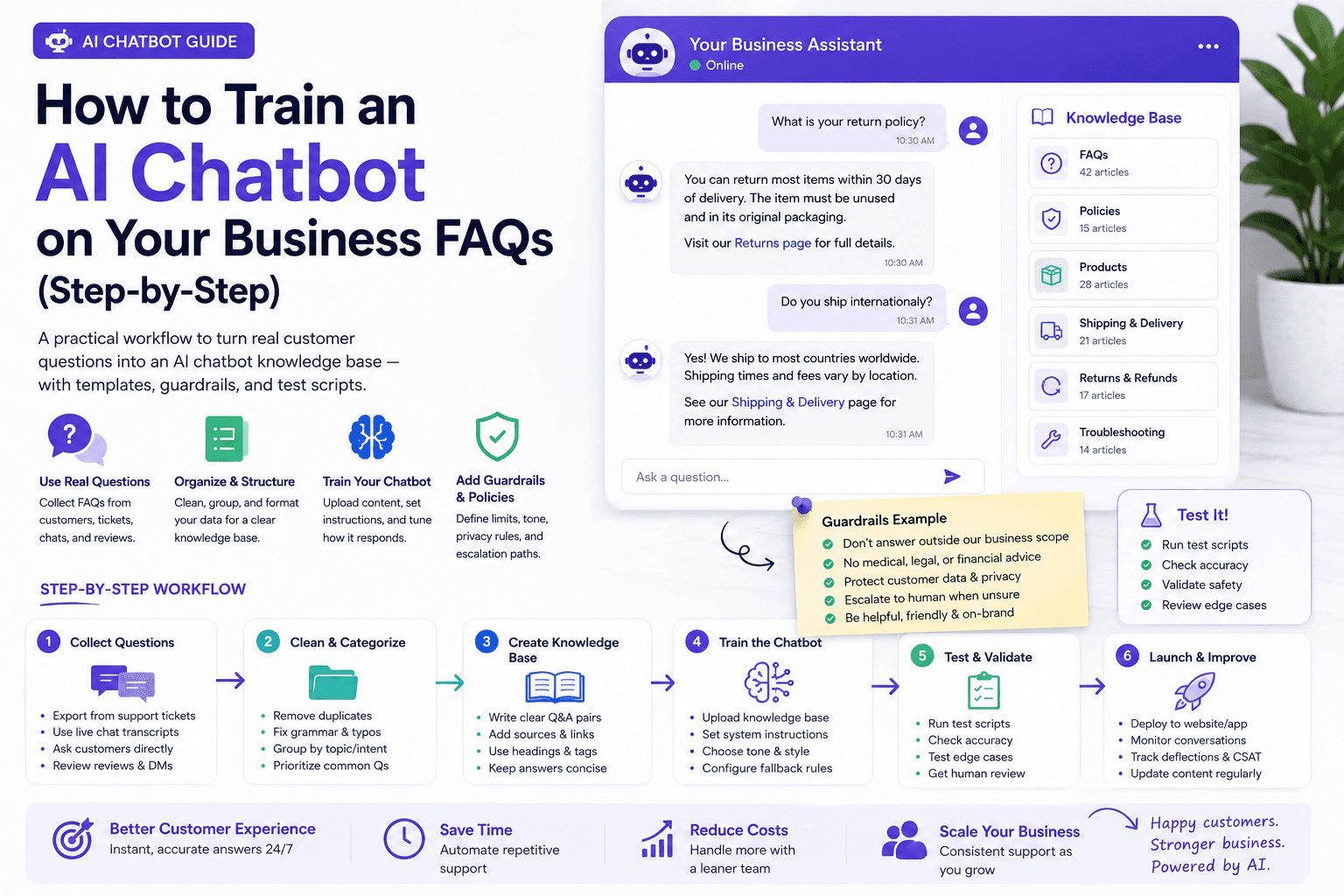
How to Train an AI Chatbot on Your Business FAQs (Step-by-Step)
Step-by-step workflow to train an AI chatbot on real business FAQs — templates, refusal rules, test scripts, pricing notes, and a weekly maintenance loop.
The AI edge, delivered every Tuesday
One 5-minute email: the tools worth your money, the plays that are working right now, and zero hype. Unsubscribe anytime.
No spam. No selling your data. Read by owners of restaurants, gyms, clinics, and agencies across the US, UK, Canada, and Australia.