AI Receptionist for Small Business (2026)
Set up an AI receptionist for small business: pure AI vs hybrid, Rosie vs Goodcall pricing, call scripts, forwarding, ROI math, and when a chatbot is enough.
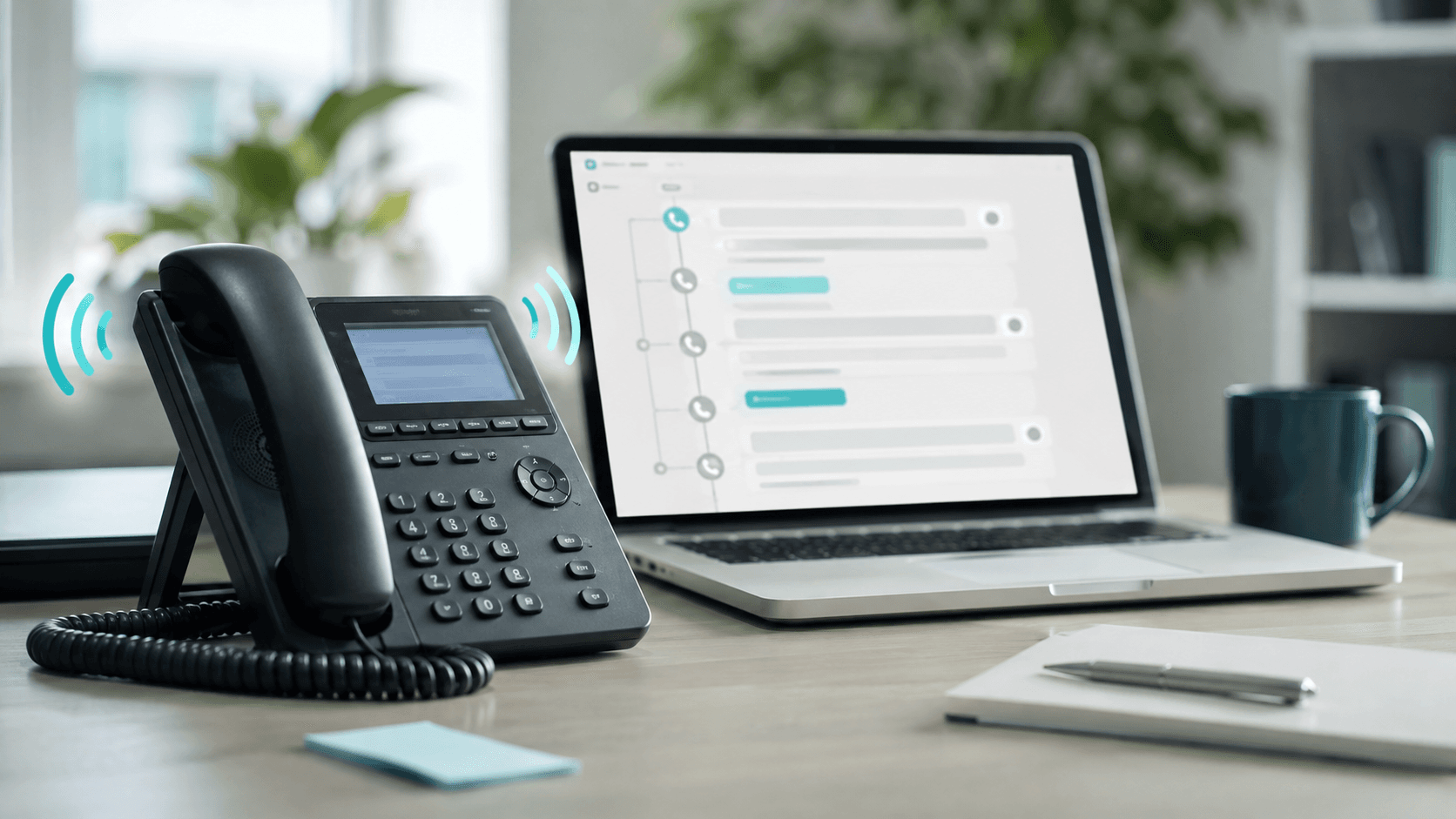
Every missed call is a quote you never wrote, a booking that went to a competitor, or a patient who booked somewhere else. Voicemail does not fix that. A website chatbot does not either—because a huge share of urgent buyers still dial the number on your Google Business Profile.
An AI receptionist for small business answers the phone with a natural voice, uses your FAQs and booking rules, captures the lead, and (on the right plan) books the appointment or transfers to a human. It is not a chatbot widget and it is not a full-time hire. It is phone coverage that shows up when you cannot.
This guide is for owners, agencies, marketing teams, ops managers, and founders in the United States, Canada, the United Kingdom, and Australia. It separates pure AI from hybrid answering, translates pricing meters (minutes vs unique callers vs per call), walks through a one-afternoon launch, and tells you when to keep AI chatbots on the website and use the phone AI only for overflow.
Table of contents
- Quick verdict
- What an AI receptionist actually is
- The problem it solves
- Who should use it (and who should wait)
- Benefits that show up in a real week
- Real examples by business type
- Step-by-step setup tutorial
- Tools comparison
- Pros and cons
- Pricing and ROI calculator
- Mistakes that waste money or trust
- Best practices
- FAQ
- Conclusion and next steps
Quick verdict
| If you are… | Start with | Why |
|---|---|---|
| Solo owner missing calls on jobs | Pure AI receptionist (e.g. Rosie Professional) | Lowest cost path to 24/7 answer + transcripts |
| Service business that needs booking + transfer | Pure AI on a mid tier (e.g. Rosie Scale / Goodcall Growth) | Calendar booking and routing unlock the ROI |
| Law, complex medical intake, high-ticket consults | Hybrid AI + human answering | Human backup when nuance and liability matter |
| Mostly website traffic, few phone leads | AI chatbot first | Fix the channel you already have before adding phone AI |
| Need CRM follow-up after the call | Pair with lead follow-up agents + Zapier | Receptionist captures; automation nurtures |
There is no universal “best AI receptionist.” There is a best fit for call volume, whether booking is the outcome, and whether a human must backstop high-stakes conversations.
What an AI receptionist actually is
An AI receptionist (also sold as an AI answering service or AI phone agent) is software that:
- Answers inbound calls with a synthetic or cloned-style voice.
- Understands caller intent with speech recognition + an LLM.
- Follows your approved FAQs, hours, service areas, and scripts.
- Captures contact details, creates summaries/transcripts, and notifies you.
- Optionally books calendar slots, sends SMS confirmations, or transfers the call.
AI receptionist vs chatbot vs live answering vs AI agent
| Option | Channel | Best for | Not for |
|---|---|---|---|
| Website AI chatbot | Chat / DM | Repeat FAQs on-site, after-hours web leads | Callers who never visit the site |
| AI receptionist | Phone | Missed-call recovery, booking, spam filter | Complex regulated advice without escalation |
| Live virtual receptionist | Phone (human) | High-touch brands, complex intake | Budget after-hours coverage at software prices |
| Hybrid AI + human | Phone | AI first, human when stuck or requested | Teams unwilling to pay for backup minutes/calls |
| Multi-step AI agent | Apps + tools | Ops across CRM/email after the lead exists | Day-one front-desk coverage |
Your AI chatbots for small business playbook stays the home for widgets, WhatsApp, and FAQ training. This article is the phone companion. For ticket-shaped work after hours, also see AI customer service automation.
The problem it solves
Small businesses lose revenue in three phone-shaped ways:
- You cannot answer (on a job, in a treatment room, driving between clients).
- After hours (evenings and weekends still generate “I need this fixed Monday” demand).
- Overflow (two lines ring while one person is already on a call).
Voicemail conversion is terrible for urgent services. A website form helps only if the buyer opens a browser. An AI receptionist meets buyers where they already are: the phone number on your truck wrap, Google listing, and invoice footer.
What it does not solve: a weak offer, unclear pricing, or a calendar with no available slots. Automation amplifies whatever system you already have.
Who should use it (and who should wait)
Strong fit
- Home services (HVAC, plumbing, electrical, cleaning)
- Dental, med spa, veterinary, and other appointment businesses (with compliance review)
- Restaurants with reservation or catering phone volume
- Real estate teams that miss showing requests
- Agencies and professional services with intake calls
Vertical playbooks that pair well: AI for dentists, AI for restaurants, AI for real estate agents.
Wait or choose something else
- Almost no inbound phone calls (fix web chat first).
- You cannot write accurate hours, service areas, and pricing ranges.
- Regulated advice must be human-only and you will not configure hard refusals.
- Nobody will review transcripts weekly—the AI will drift into wrong answers.
Benefits that show up in a real week
| Benefit | What it looks like | Owner metric |
|---|---|---|
| Answer rate | Calls connect instead of voicemail | % answered 24/7 |
| Lead capture | Name, number, job type in your inbox | Usable leads per day |
| Booking | Calendar holds without back-and-forth | Booked appointments from phone |
| Focus time | You finish the job without phone whiplash | Hours uninterrupted |
| Spam filter | Robocalls die before they waste you | Human time saved |
Connect captured leads into CRM and nurture with AI CRM automation and lead follow-up AI agents—the receptionist is the front door, not the whole sales system.
Real examples by business type
HVAC / home services
Caller: “AC is out—can someone come today?”
AI job: Confirm service area, capture address and urgency, offer next available slot or emergency triage rule, text the owner.
Human gate: Price quotes and dispatch decisions stay with the tech or dispatcher.
Dental practice
Caller: “Do you take new patients and my insurance?”
AI job: New-patient rules, hours, parking, what to bring; book hygiene if allowed; escalate insurance nuance.
Human gate: Clinical advice is refused; see AI for dentists for messaging limits.
Restaurant
Caller: “Table for six Saturday at 7?”
AI job: Check reservation rules / party-size limits, book or waitlist, capture allergy notes if you allow them.
Human gate: Large events and VIP exceptions go to a manager.
Agency / professional services
Caller: “We need a proposal this week.”
AI job: Qualify budget band, timeline, and fit; book a discovery call; refuse to invent scope or fees.
Human gate: Pricing and contracts are always human.
Step-by-step setup tutorial
Plan on one focused afternoon for a pure-AI tool, then a soft-launch week. Marketing claims of “five-minute setup” usually skip the knowledge-base work that determines quality.
Step 1 — Write the knowledge pack (60–90 minutes)
Before you touch a vendor UI, draft:
- Legal business name and how you want to be greeted
- Hours, holidays, time zone
- Cities / ZIP codes you serve (and what to say when outside)
- Top 25 FAQs from the last 90 days of calls/texts
- Appointment types and average duration
- Hard refusals (no medical diagnosis, no legal advice, no unofficial discounts)
- Emergency vs standard response rules
Reuse the FAQ discipline from train an AI chatbot on business FAQs—phone AI fails for the same content reasons chatbots do.
Step 2 — Choose the billing model that matches your volume
| Meter | How it works | Watch-out |
|---|---|---|
| Minutes | You pay for talk time included in a plan | Long calls + high volume burn the bundle |
| Unique callers | One phone number usually counts once per month | Shared phones / multi-location quirks |
| Per call / hybrid | Each conversation (or human-handled call) bills | High-value intake can still ROI; spam hurts |
Step 3 — Create the agent and teach it your business
In your chosen tool:
- Set agent name, voice, language (many SMB tools include English + Spanish).
- Paste FAQs and service rules; pin exact answers for money and policy questions.
- Configure greeting: “Thanks for calling River City Plumbing—I can help with service areas, scheduling, or take a message for the team.”
- Turn on spam detection if available.
- Define transfer rules: who gets emergencies, sales, billing.
Step 4 — Connect calendar, SMS, and CRM
- Calendar: Google Calendar / Outlook / booking tool—only enable booking if slots are real.
- Notifications: SMS + email on every lead, with quiet hours for non-urgent messages if you need sleep.
- CRM: Native integration or Zapier into HubSpot/Pipedrive—see HubSpot vs Pipedrive AI and n8n vs Zapier vs Make.
Step 5 — Attach the phone number the right way
Common patterns:
- New AI number published on web/GBP (simplest; brand change cost).
- Conditional call forwarding from your existing number when busy/unanswered (keeps the brand number).
- Always-forward after hours only (human by day, AI by night).
Goodcall’s public pricing FAQ explains conditional forwarding and Google Voice patterns; follow your carrier’s forward codes carefully and test from an outside phone.
Step 6 — Break-it test script (30–45 minutes)
Call yourself and attempt:
- Simple hours question
- Outside service area
- “I want a human”
- Angry tone
- Booking request
- Spam-like silence / robocall behavior
- Regulated question your bot must refuse
Fix wrong answers the same day. Soft-launch for 3–7 days before full after-hours trust.
Tools comparison
Pricing below is from vendor pages researched August 2026. Confirm live pricing before you buy—plans and included minutes change.
Snapshot: three common SMB paths
| Dimension | Rosie AI | Goodcall | Hybrid (e.g. Smith.ai-class) |
|---|---|---|---|
| Best for | Simple 24/7 answer + SMB pricing clarity | Unlimited minutes with unique-caller metering | High-stakes intake needing human backup |
| Billing unit | Minutes per plan | Unique customers/month + unlimited minutes | Often per call / hybrid tiers |
| Published entry | $49/mo Professional · 250 minutes | $79/mo Starter · 100 unique customers | Typically higher than pure AI—verify live |
| Mid tier | $149/mo Scale · 1,000 minutes + booking/transfers | $129/mo Growth · 250 unique customers | Human escalation when AI is stuck |
| Languages | English & Spanish on every call (published) | Confirm live for your agent | Varies by vendor |
| Integrations | Zapier + calendar on higher plans | Native Zapier; Google Voice support docs | Often deep CRM for legal/medical |
| Weak spot | Minute overages if calls run long | Unique-caller math if many one-off callers | Cost at volume |
| Start here if | You want a known SMB minute ladder | You hate per-minute anxiety | Liability needs a human safety net |
Rosie AI (minute ladder)
Per Rosie’s pricing page:
| Plan | Price | Included | Standout unlocks |
|---|---|---|---|
| Professional | $49/mo | 250 minutes | 24/7 AI answering, FAQs, spam detection, bilingual EN/ES |
| Scale | $149/mo | 1,000 minutes | Calendar booking, warm transfers, more message scenarios |
| Growth | $299/mo | 2,000 minutes | Waterfall transfers, custom training uploads, white-glove onboarding |
All plans include transcripts/summaries, notifications, Zapier, and a 7-day trial per Rosie’s marketing. Website Texting is listed as a $50/mo add-on.
Goodcall (unique-customer ladder)
| Plan | Monthly price | Unique customers | Notes |
|---|---|---|---|
| Starter | $79/mo per agent | 100/mo ($0.50 after) | Unlimited minutes/tokens; 1 logic flow |
| Growth | $129/mo per agent | 250/mo ($0.50 after) | Most popular; more flows/team seats |
| Scale | $249/mo per agent | 500/mo ($0.50 after) | Larger teams and retention |
Annual billing shows discounted equivalents on the same page (e.g. Starter $66/mo when paid annually). Goodcall defines a unique customer as a unique phone number that actually interacts in a month—repeat calls from the same number generally count once.
Hybrid / live-backed options
When a wrong answer is expensive (legal intake, complex healthcare, luxury consults), evaluate hybrid vendors that can escalate to a trained human. Entry prices are usually higher than pure AI; treat marketing screenshots as directional and verify the live plan that matches your call volume and industry compliance needs (HIPAA BAA, call recording consent, etc.).
For website chat in the same stack, keep Tidio (or your chosen widget) rather than forcing phone AI to also be your only web channel.
Pros and cons
Pros
- Recovers missed-call revenue without a full-time hire
- 24/7 coverage for Google Business Profile and truck-wrap callers
- Transcripts create a searchable record your team can audit
- Calendar booking on mid tiers removes phone tag
- Pairs cleanly with chatbots, CRM, and Zapier follow-up
- Bilingual options (e.g. Rosie EN/ES) help mixed-language markets
Cons
- Wrong FAQs create wrong bookings at machine speed
- Minute or unique-caller overages surprise owners who skip forecasting
- Not a substitute for licensed advice in regulated niches
- Voice quality is table stakes—workflow design is the real differentiator
- Conditional forwarding misconfiguration can loop or drop calls
- Requires weekly transcript review or quality decays
Pricing and ROI calculator
What you should budget
| Tier | Typical monthly range (2026 market) | Who it fits |
|---|---|---|
| Pure AI entry | About $49–$79 | Solo owners, light volume |
| Pure AI growth | About $129–$149 | Booking + transfers matter |
| Pure AI high volume | About $249–$299+ | Multi-line busy shops |
| Hybrid / live-backed | Often $95–$300+ depending on calls | High-stakes intake |
Always add: SMS fees (if separate), Zapier if you need it, and the owner time to maintain FAQs (~1–2 hours/week at first).
Simple ROI model
Estimate monthly:
(extra booked jobs from recovered calls × average gross profit) − (AI plan + overages + ~2 hours maintenance)
Example math (illustrative, use your numbers):
- 8 recovered conversations/month become 3 booked jobs
- Average gross profit per job: $250
- Gross profit added: $750
- Tool cost: $149
- Maintenance time valued at $100
Net: clearly positive—if those three jobs are real and the AI did not create refund-prone mis-books.
Volume forecasting worksheet
| Input | Your number |
|---|---|
| Inbound calls/week (answer + miss) | ____ |
| Average talk minutes when answered | ____ |
| % after-hours | ____ |
| Unique callers/month (estimate) | ____ |
| Average gross profit per booked job | ____ |
Map minutes → Rosie-style plans or unique callers → Goodcall-style plans before you trial.
Mistakes that waste money or trust
- Turning on booking with a broken calendar. You will double-book or offer phantom slots.
- Letting the AI invent prices. Pin ranges or refuse; humans quote.
- Skipping “I want a human” handling. Callers will rage-quit and leave bad reviews.
- Publishing the AI number everywhere without testing forwarding. Silent failures look like you went out of business.
- No spam strategy. Robocalls can chew minute bundles.
- Treating phone AI as a chatbot replacement. Keep website chat for browsers; phone AI for dialers.
- Never reading transcripts. Quality problems compound quietly.
- Buying hybrid prices for voicemail-replacement volume. Match the product to the risk.
- Ignoring recording/consent rules in your state/country.
- No CRM follow-up. Captured leads that sit in email still die—use AI email sequences or lead follow-up agents.
Best practices
- One primary job for week one: message-take + notify, or book, or qualify—not all three at once.
- Write refusals in plain language the model cannot “creatively” override.
- Warm transfer briefs on mid tiers so humans are not cold-dropped into chaos.
- Separate emergency paths with clear after-hours fees if you offer them.
- Review the top 20 transcripts every Monday for the first month.
- Align brand voice with your site and chatbot—see how to design AI agent personality.
- Keep a kill switch: know how to disable forwarding in one minute if the AI misfires.
- Measure outcomes, not vanity: booked jobs and qualified leads beat “calls answered.”
FAQ
What is an AI receptionist for small business?
Software that answers your business phone line with an AI voice, follows your FAQs and rules, captures caller details, and can book appointments or transfer to a human depending on the plan.
How much does an AI receptionist cost?
Pure AI plans commonly start around $49–$79 per month (for example Rosie Professional at $49/mo and Goodcall Starter at $79/mo on their published pages). Mid tiers with booking/routing often land around $129–$149. Hybrid human-backed services cost more. Confirm live pricing and overage rules.
Is an AI receptionist better than a chatbot?
Different jobs. Chatbots win on website and messaging channels. AI receptionists win when buyers call. Most multi-location or service businesses eventually want both.
Can an AI receptionist book appointments?
Yes on many mid and higher plans (for example Rosie Scale lists calendar appointment booking). Only enable booking after your calendar rules and buffers are correct.
Will customers know they are talking to AI?
Assume yes—and design for it. Clear, competent AI with an easy human path beats a fake “Sarah from the front desk” that collapses under questions.
Do I need to change my phone number?
Not always. Many businesses keep their brand number and use conditional call forwarding when busy or unanswered. Others publish a new AI number on web and Google listings. Test both paths.
Is AI phone answering safe for dental or legal offices?
It can help with scheduling and FAQs, but clinical, legal, and financial advice must stay with qualified humans. Configure hard refusals, review transcripts, and confirm any compliance requirements (privacy, recording consent, BAAs) with your advisors before go-live.
How is this different from an AI agent?
An AI receptionist specializes in inbound phone conversations. Broader AI agents for small business may operate across apps after the lead exists. Start with reliable call coverage; expand to agents for follow-up and ops.
Conclusion and next steps
An AI receptionist for small business is the practical fix for a brutal reality: your best buyers still call, and you cannot always pick up. Pure AI covers most service businesses at software prices. Hybrid covers high-stakes intake. Chatbots still own the website.
Your move this week:
- Count missed and after-hours calls for seven days.
- Write the knowledge pack (hours, areas, top FAQs, refusals).
- Trial one pure-AI tool that matches your billing reality (minutes vs unique callers).
- Connect calendar only after slots are trustworthy.
- Soft-launch with conditional forwarding and daily transcript review.
- Pipe leads into CRM/email follow-up so the front door feeds a real pipeline.
When phone coverage is boringly reliable, expand—not before.
The AI edge, delivered every Tuesday
One 5-minute email: the tools worth your money, the plays that are working right now, and zero hype. Unsubscribe anytime.
No spam. No selling your data. Read by owners of restaurants, gyms, clinics, and agencies across the US, UK, Canada, and Australia.
Key takeaway
Set up an AI receptionist for small business: pure AI vs hybrid, Rosie vs Goodcall pricing, call scripts, forwarding, ROI math, and when a chatbot is enough. For more step-by-step guides, browse our blog or explore Customer Support.
Frequently asked questions
What is an AI receptionist for small business?
Software that answers your business phone line with an AI voice, follows your FAQs and rules, captures caller details, and can book appointments or transfer to a human depending on the plan.
How much does an AI receptionist cost?
Pure AI plans commonly start around $49–$79 per month—for example Rosie Professional at $49/mo and Goodcall Starter at $79/mo on their published pricing pages. Mid tiers with booking and routing often land around $129–$149. Hybrid human-backed services cost more. Always confirm live pricing and overage rules.
Is an AI receptionist better than a chatbot?
They solve different jobs. Chatbots win on website and messaging channels. AI receptionists win when buyers call. Most service businesses eventually want both rather than choosing one forever.
Can an AI receptionist book appointments?
Yes on many mid and higher plans. For example Rosie Scale lists calendar appointment booking. Only enable booking after your calendar rules, buffers, and availability are trustworthy.
Will customers know they are talking to AI?
Assume yes and design for it. Clear, competent AI with an easy path to a human beats a fake front-desk persona that collapses under real questions.
Do I need to change my phone number?
Not always. Many businesses keep their brand number and use conditional call forwarding when busy or unanswered. Others publish a new AI number on the website and Google Business Profile. Test both paths from an outside phone.
Is AI phone answering safe for dental or legal offices?
It can help with scheduling and FAQs, but clinical, legal, and financial advice must stay with qualified humans. Configure hard refusals, review transcripts, and confirm privacy, recording consent, and any BAA requirements with your advisors before go-live.
How is an AI receptionist different from an AI agent?
An AI receptionist specializes in inbound phone conversations. Broader AI agents may operate across apps after the lead exists. Start with reliable call coverage, then expand agents for follow-up and operations.
Written by
AI Growthub StaffEditorial Team
The AI Growthub editorial team covers practical AI news, tools, and workflows for small business owners. Every article is fact-checked against primary sources before publication.
Comments are coming soon
We’re building a discussion space for business owners. Until then, reply to any newsletter issue — we read everything.
Related posts
Tidio Review 2026: AI Chat for Small Business Websites That Need Leads
We installed Tidio on a service-business site for 30 days. Lead capture, Lyro AI answers, live chat handoff, and pricing — without enterprise bloat.

AI Customer Service Automation: Tickets, FAQs & After-Hours Coverage
How small businesses set up AI customer service automation: FAQ bots, ticket triage, after-hours coverage, and escalation rules that protect brand trust.
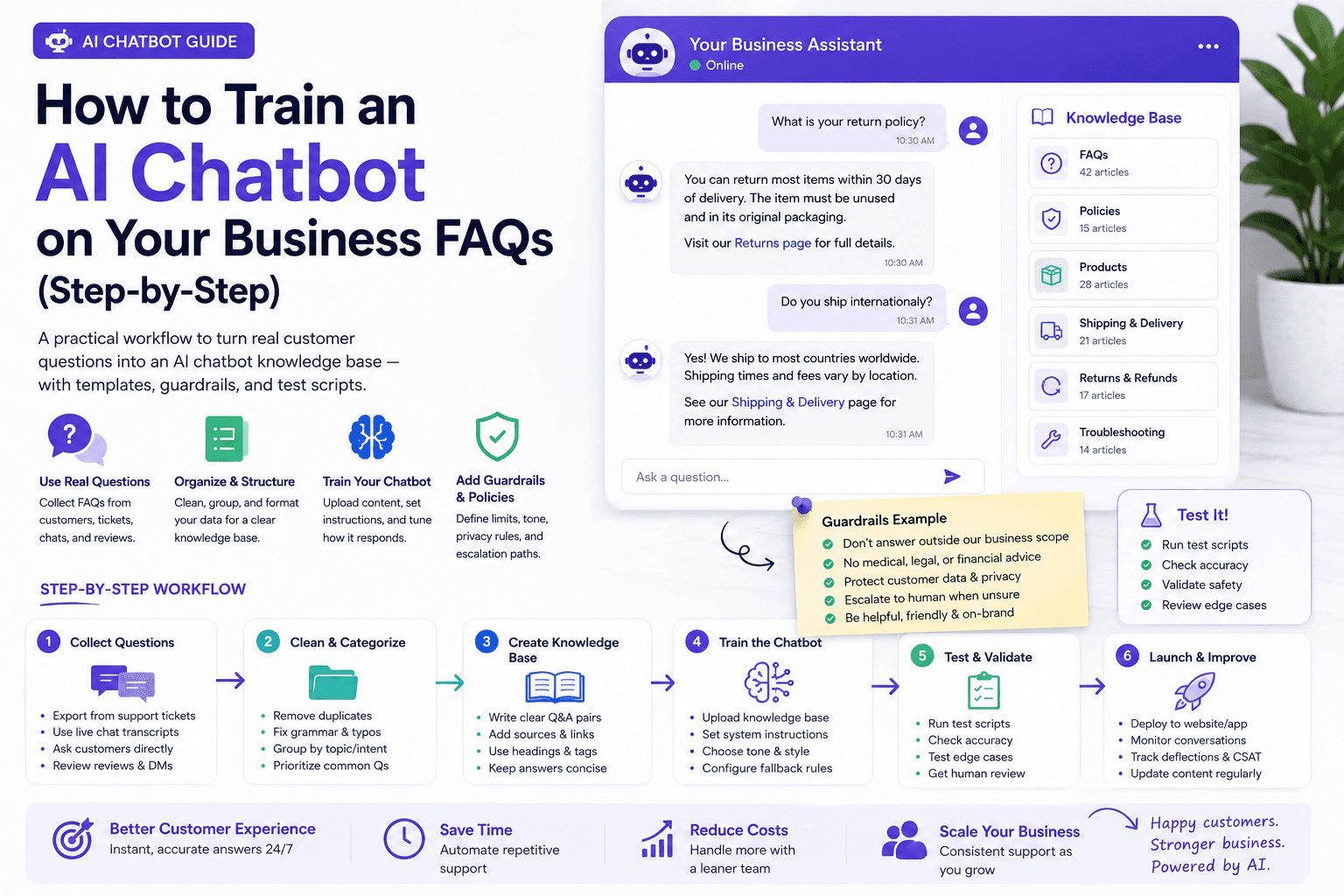
How to Train an AI Chatbot on Your Business FAQs (Step-by-Step)
A practical workflow to turn real customer questions into an AI chatbot knowledge base — with templates, guardrails, and test scripts.
The AI edge, delivered every Tuesday
One 5-minute email: the tools worth your money, the plays that are working right now, and zero hype. Unsubscribe anytime.
No spam. No selling your data. Read by owners of restaurants, gyms, clinics, and agencies across the US, UK, Canada, and Australia.