AI Review Management for Small Business: The Complete 2026 Guide
Learn how small businesses use AI to request, triage, and reply to Google reviews without sounding robotic — plus pricing, checklists, and when to stay manual.
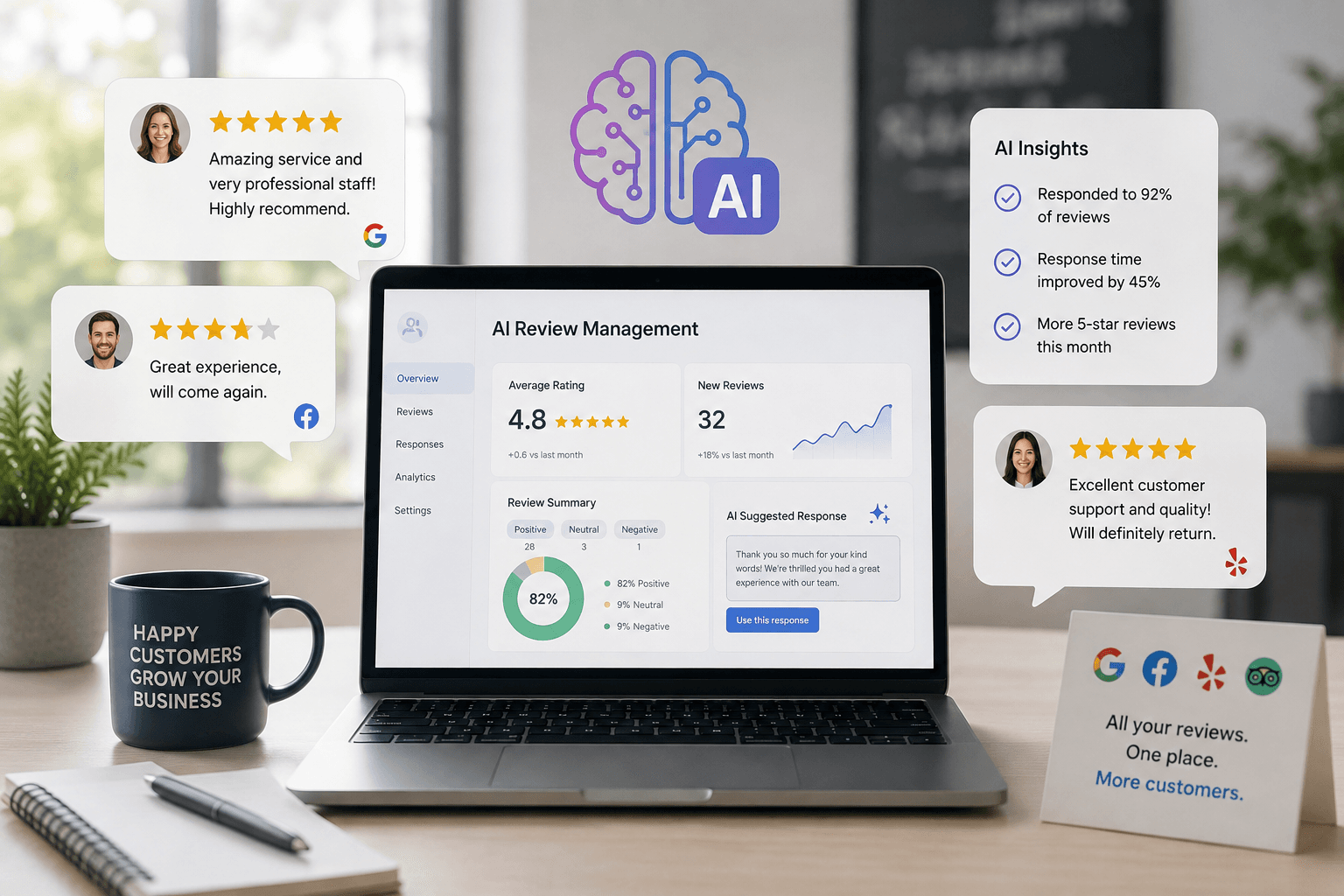
Most small businesses know reviews matter. Few have a system that asks for them consistently, replies within a day, and turns complaints into recovered customers — without spending evenings typing the same “Thank you!” into Google Business Profile.
AI review management closes that gap. Used well, it drafts on-brand replies, flags risky reviews for a human, and automates polite review requests after a job is done. Used poorly, it posts generic copy, invents apologies, or violates Google’s rules on incentives and misleading content.
This guide is the practical playbook for owners, agencies, freelancers, and local operators in the United States, Canada, the United Kingdom, and Australia. It covers how AI review management works, which tool stack fits your volume, what pricing looks like in 2026, and when you should stay manual.
Table of contents
- Problem overview
- What AI review management actually is
- How Google treats reviews and replies
- Quick recommendation
- Complete system: the six-stage workflow
- Decision framework
- Comparison tables
- Best-for table
- Setup checklist
- Pros and cons
- Pricing in 2026
- Prompt library for DIY replies
- Common mistakes
- When NOT to use AI for reviews
- Alternatives
- FAQ
- Conclusion and next steps
- Image prompts
Problem overview
Local customers decide in seconds. A restaurant, dental clinic, HVAC company, salon, or realtor often wins or loses on the combination of star rating, recent review volume, and whether the business looks responsive.
Three failure modes show up again and again:
- No request system — Happy customers leave without being asked. Google’s own guidance says you can remind customers to leave reviews via a link or QR code, as long as you do not offer incentives that violate policy.
- Slow or missing replies — Unanswered 1-star reviews sit on the profile for weeks. Prospective customers read silence as indifference.
- Copy-paste replies — Identical “Thanks for your feedback!” messages across dozens of reviews look automated and unhelpful. Google’s tips for better replies discourage sending the same thank-you to everyone and recommend personalized, relevant responses.
AI does not replace judgment. It compresses the drafting and triage work so a busy owner can maintain a 24–48 hour reply habit — the operational goal most local businesses miss.
If you are already building AI SEO for small business or a 30-day AI marketing plan, review management belongs in the local visibility stack next to Google Business Profile hygiene — not as an afterthought.
What AI review management actually is
AI review management is software or a prompt workflow that helps a business:
- Monitor new reviews across Google and, on some platforms, Facebook, Yelp, industry sites, and more
- Classify sentiment, topics (wait time, price, staff, quality), and severity
- Draft replies in a chosen brand voice
- Route sensitive reviews to a human approval queue
- Request reviews after service via SMS or email (where compliant)
- Report themes so operations can fix root causes, not only apologize
It is not the same product category as:
| Nearby category | Job it solves | Typical tools |
|---|---|---|
| AI chatbots / receptionists | Answer site or phone inquiries | Covered in AI chatbots and AI receptionist guides |
| Customer service automation | Tickets, FAQs, after-hours email | AI customer service automation |
| Marketing suites | Ads, social, email campaigns | AI marketing for small business |
| Review management | Reputation capture + public replies | NiceJob, Podium, Birdeye, Grade.us, DIY LLM drafts |
Treat “AI review management” as reputation operations with an AI drafting layer — not as a chatbot bolted onto your homepage.
How Google treats reviews and replies
Stay grounded in official guidance, not vendor marketing.
What Google encourages
According to Google’s tips to get more reviews:
- Remind customers to leave reviews using a Google link or QR code
- Reply to reviews to show feedback matters
- Value balanced reviews; a mix of positive and negative often feels more trustworthy
- Keep replies professional, short, relevant, and conversational — not promotional
What Google prohibits
According to Google’s Maps user-generated content policies on fake and misleading content:
- Do not offer incentives (payment, discounts, free goods/services) in exchange for posting a review, changing a review, or removing a negative review
- Do not selectively solicit only positive reviews or discourage negative ones
- Do not pressure customers on-site to leave a specific rating or include specific content
Merchants may solicit genuine experiences without incentives or rating influence.
What happens when you reply
According to Google’s manage customer reviews help:
- Your business must be verified before you can reply
- Google reviews replies for content-policy compliance (often within minutes; sometimes longer)
- Approved replies appear publicly under the review; the customer is notified
- Customers can still edit their review after your reply
Editorial implication for AI: drafts must be accurate and non-deceptive. Do not invent refunds, admissions, medical claims, or personal details. Keep a human in the loop for anything disputed or sensitive.
Quick recommendation
Complete system: the six-stage workflow
1. Capture (ask without bribing)
Trigger a review request after a completed job, appointment, or delivery — never for a discount or gift tied to leaving a review.
Compliant pattern:
- Thank the customer
- Share the official Google review link or QR code
- Do not suggest a star rating
- Do not say “leave us 5 stars”
Pair this with your existing service workflows — for clinics see AI for dentists; for restaurants, AI for restaurants; for agents, AI for real estate agents.
2. Monitor
Pull every new Google review into one queue. Higher tiers of review platforms also watch Facebook and other sites. If you stay DIY, enable Google Business Profile notifications and check them on a fixed cadence.
3. Triage (the decision that protects you)
| Bucket | Typical signal | AI role | Human role |
|---|---|---|---|
| Green | 4–5 stars, specific praise | Draft personalized thanks | Light skim + one human detail |
| Yellow | 3 stars, mixed, vague | Draft balanced reply | Edit facts, offer private contact if needed |
| Red | 1–2 stars, refund/legal/safety/discrimination | Draft calm acknowledgment only | Owner/manager writes or heavily edits; escalate offline |
| Report | Fake, spam, doxxing, prohibited content | Flag for review | Report via Google; do not argue in public |
4. Draft with constraints
Feed the model:
- Redacted review text
- Star rating
- Verified facts only
- Brand tone
- Allowed next step (email/phone for resolution)
- Hard “do not invent” rules
5. Approve and publish
Add one detail only a human would know (technician name, dish ordered, appointment date). Publish from Google Business Profile or via a platform with API posting. Google then moderates the reply.
6. Learn
Monthly: tag themes (wait time, pricing confusion, parking, bedside manner). Fix operations. Replies without root-cause fixes become theater.
Decision framework
Use this matrix before you buy software.
| Situation | DIY (ChatGPT/Claude) | SMB platform (e.g. NiceJob) | Enterprise suite (e.g. Birdeye/Podium) |
|---|---|---|---|
| Reviews per month | Under ~30 | ~30–200 | High volume / many locations |
| Locations | 1 | 1–few | Multi-location / franchise |
| Need SMS review asks + widgets | Build yourself | Usually included | Included + more CX tools |
| Need AI reply drafts | Yes (manual paste) | Often on higher tier | Usually included |
| Need unified text inbox / payments | No | Limited / varies | Often core (esp. Podium) |
| Contract flexibility | Cancel anytime | Often month-to-month | Often annual + onboarding |
| Best first move | Start here | Graduate here | Buy only if scope matches |
Score yourself (0–2 each)
- Do unanswered reviews regularly sit longer than 48 hours?
- Do you manage more than one Google Business Profile?
- Do you already send post-job texts from field software?
- Is reputation a sales bottleneck (leads ask about stars before booking)?
- Can someone spend 30 minutes twice a week approving drafts?
0–3: DIY prompts + calendar block.
4–6: Evaluate an SMB review platform.
7–10: Shortlist enterprise or multi-location tools and get written quotes.
Comparison tables
Table 1 — Approach comparison (original)
| Approach | What you get | Typical cost band | Main risk | Best for |
|---|---|---|---|---|
| Manual replies only | Full control, slow coverage | Staff time | Backlog and inconsistency | Ultra-low volume |
| LLM drafts + human approve | Fast drafting, low software cost | AI sub (~$0–$20+/mo) + time | Forgetting the human edit step | Most single-location SMBs starting out |
| Review platform (requests + monitoring) | Automated asks, widgets, dashboards | About $75–$125+/mo published SMB pricing | Paying for unused modules | Service businesses needing volume |
| Reputation + messaging suite | Reviews plus SMS inbox, chat, payments | Often $300+/location/mo (quote) | Overbuying | High-lead service firms & multi-location |
| Agency seat tools | Multi-client dashboards | Per-seat/client pricing | Tool sprawl across clients | Agencies & consultants |
Table 2 — Feature focus comparison (original)
| Capability | ChatGPT / Claude DIY | NiceJob (published plans) | Podium (sales-led) | Birdeye (sales-led) |
|---|---|---|---|---|
| AI reply drafting | Excellent with good prompts | AI replies emphasized on Pro | AI features in broader CX suite | AI response suggestions reported on mid+ tiers |
| Automated review requests | Zapier/Make DIY | Core product | Core product | Core product |
| Google Business Profile posting | Manual copy/paste | Platform-supported | Platform-supported | Platform-supported |
| Multi-site monitoring | Manual | Multiple channels (plan-dependent) | Major networks | Broad directory/review coverage (vendor claim: 200+ sites) |
| Listings / local SEO extras | Separate tools | Limited vs enterprise | Limited vs Birdeye-class | Strong listings positioning |
| Public pricing | Yes (AI vendors) | Yes ($75 / $125) | Primarily quote / talk-to-sales | Quote configurator |
| Fit summary | Drafting brain | SMB reputation engine | Reviews + messaging OS | Enterprise reputation OS |
Pricing for Podium and Birdeye should be confirmed on a sales call. Independent 2026 pricing roundups frequently cite Birdeye roughly in the $299–$449 per location per month annual-contract range and Podium core plans in the high hundreds depending on modules — treat those as third-party reported ranges, not official guarantees.
Best-for table
| Business type | Best starting stack | Why |
|---|---|---|
| Solo consultant / freelancer | Claude or ChatGPT + review link in email signature | Volume is low; quality of reply matters more than automation |
| Restaurant / café | DIY AI drafts + Google QR on receipts; later NiceJob if volume spikes | Reviews arrive in bursts; personalization beats templates — see AI for restaurants |
| Dental / medical practice | Human-approved AI drafts only; cautious request timing | Compliance and tone risk; avoid inventing clinical claims |
| Home services (HVAC, plumbing, cleaning) | NiceJob or similar + Jobber/Housecall Pro triggers | Post-job SMS asks are the growth lever |
| Real estate agent / team | DIY AI + CRM task after closing | Fewer but higher-stakes reviews |
| Multi-location retail / franchise | Birdeye-class suite or agency-managed Grade.us | Central reporting and consistent brand voice |
| Marketing agency | Grade.us-style seats or documented DIY SOPs per client | Margin dies if every client needs a $300+/mo suite |
Setup checklist
Use this as a one-sitting launch checklist.
Week 0 — Policy and assets
- Verify Google Business Profile ownership and reply access
- Create the official Google review link / QR code
- Write a one-page reply policy (who approves Red reviews; what you never say publicly)
- List 5 facts the AI may use (hours, booking URL, phone) and 10 it may never invent
Week 1 — Drafting system
- Save a master prompt (see below) in ChatGPT/Claude Projects or a doc
- Define Green / Yellow / Red triage rules
- Set a recurring 15–30 minute calendar block twice weekly
- Reply to the full backlog older than 14 days (oldest Red first)
Week 2 — Requests
- Add a compliant post-service review ask to email or SMS
- Train staff: no incentives, no “leave us five stars”
- Track request → review conversion for 30 days
Week 3 — Decide on software
- If backlog returns or volume exceeds ~30/month, trial NiceJob or a peer SMB tool
- If you need SMS inbox + payments + reviews, request Podium/Birdeye demos with an itemized quote
- Connect only the permissions you need; document who has Google access
Ongoing
- Monthly theme report to ops (top 3 complaints)
- Quarterly refresh of brand-voice examples in your prompt or platform
Pros and cons
Pros
- Faster first drafts so owners can hit a 24–48 hour reply habit
- More consistent tone across staff and locations
- Better coverage of positive reviews that used to be ignored
- Structured triage reduces panic responses to angry customers
- Theme extraction turns reviews into operational feedback
- Scales agencies without rewriting every client reply from scratch
Cons
- Risk of generic or inaccurate replies if auto-published
- Policy risk if review requests include incentives or rating pressure
- Enterprise platforms can be expensive for single-location SMBs
- AI cannot verify what happened on a job — humans still own facts
- Over-automation can damage trust when customers notice sameness
- Multi-platform tools may require annual contracts and onboarding fees
Pricing in 2026
DIY layer
| Stack | Typical cost | Notes |
|---|---|---|
| ChatGPT / Claude / Gemini | Free tiers or ~$20/mo consumer plans | Drafting only; you paste into Google |
| Automation (Zapier/Make) | Free–paid usage | Optional alerts when a new review arrives |
SMB-focused platforms (public pricing)
According to NiceJob’s pricing page:
NiceJob Reviews
$75/mo
Review generation and core reputation features
- Automated review invites
- Core reputation / social proof features
- 14-day free trial (per vendor)
- No long-term contract emphasized by vendor
NiceJob Pro
$125/mo
Adds AI replies and growth automations
- Everything in Reviews
- AI review reply automation
- Referral / repeat-booking style campaigns
- Competitor insights (per plan copy)
Volume on some SMB tools scales with customer-database size — confirm current thresholds on the vendor site before budgeting.
Enterprise / suite pricing (confirm with sales)
| Vendor | How pricing is sold | Common third-party reported band (2026) | Watch-outs |
|---|---|---|---|
| Birdeye | Quote / configurator on birdeye.com/pricing | Often cited ~$299–$449 per location/mo on annual plans | Onboarding fees, add-ons, renewal fees in some reports |
| Podium | Talk-to-sales on podium.com/pricing | Core plans often cited in the high hundreds/mo depending on modules | Phone seats, messaging limits, add-on AI Employee |
| Grade.us | Per seat / client (agency) | Tens to low hundreds per seat depending on tier | Built for resellers more than single shops |
Budget rule of thumb: If your average ticket is high and one recovered complaint or incremental booked job pays for the tool, software ROI is easy. If you are a low-volume solo practice, DIY almost always wins first.
Prompt library for DIY replies
Use with ChatGPT prompts for small business or Claude for small business. Always edit before posting.
Master reply prompt
You are drafting a Google Business Profile review reply for a small business.
Rules:
- Use only the verified facts provided. If a fact is missing, write [NEED FACT].
- Do not invent apologies for events you cannot verify.
- Do not offer refunds, discounts, or free services unless listed in Allowed offers.
- Do not include medical, legal, or financial advice.
- Do not share private customer details.
- Keep the reply under 80 words unless the review asks a specific public question.
- Mention one concrete detail from the review text.
- Tone: {tone}. Sign off as {signoff}.

Business: {business_name}
Category: {category}
Verified facts: {facts}
Allowed offers / next steps: {next_steps}
Star rating: {stars}
Review text:
"""
{review}
"""

Return:
1) Triage: Green / Yellow / Red
2) Draft reply
3) Risks to check before publishing
Negative-review offline pivot
Add: “Acknowledge the concern calmly. Invite the customer to continue by phone or email. Do not argue facts in public.”
Positive-review variant
Add: “Thank them, echo the specific praise, invite a return visit, avoid coupons or promo codes in the reply.”
Common mistakes
- Auto-publishing every reply — Convenient until a Red review gets a tone-deaf apology admitting fault you never verified.
- Incentivized review asks — “Leave a review, get 10% off” violates Google’s fake/misleading policies on incentives.
- Star-rating coaching — Asking only happy customers or requesting five stars is a policy and trust problem.
- Identical AI templates — Google advises against the same thank-you for everyone; readers notice.
- Invented specifics — Models fill gaps. If the draft names a staff member who was not there, you own the error.
- Public fight club — Long rebuttals escalate. Move complex disputes offline.
- Ignoring ops themes — Replying forever to “slow service” without fixing staffing wastes the data.
- Buying enterprise too early — A $300+/mo suite for 8 reviews a month is a process problem, not a software problem.
- No owner for Red queue — If everyone can approve, nobody is accountable.
- Forgetting other surfaces — Facebook or industry sites may matter in your niche; Google-only systems can leave blind spots.
When NOT to use AI for reviews
Skip or heavily restrict AI when:
- The review alleges discrimination, harassment, injury, foodborne illness, or legal threats
- Facts are disputed and you lack records
- Regulated claims (medical outcomes, guarantees) would be easy for a model to invent
- Your brand voice is a named founder’s personality and you have fewer than ten reviews total — write them yourself
- You cannot staff an approval step for anything under 4 stars
- A platform’s auto-post setting cannot be limited to Green reviews only
In those cases, AI may still help you outline a reply — but a human must own the final words.
Alternatives
| Alternative | When it wins | Trade-off |
|---|---|---|
| Pure manual replies | Tiny volume, high-stakes brand voice | Does not scale |
| Native Google notifications + calendar block | DIY discipline without new vendors | No automated asks |
| CRM tasks after closed-won | Consultants and agencies already in HubSpot/Pipedrive | Easy to ignore tasks — see HubSpot vs Pipedrive AI |
| Customer service AI for private tickets | Issues that should never be public | Does not replace public review presence |
| Full CX suites (Podium-class) | Reviews are one slice of SMS + payments ops | Cost and implementation weight |
Suggested future article if you need deeper coverage: “NiceJob vs Podium vs Birdeye for single-location service businesses.”
Frequently Asked Questions
Is it allowed to use AI to reply to Google reviews?
Google requires replies to follow its content policies and reviews them before or as they go live. There is no public rule that bans using AI as a drafting aid. The practical standard is: the published reply must be accurate, helpful, and not misleading. Keep humans responsible for facts.
Should I auto-post AI replies?
For most small businesses, no — at least not for anything under 4 stars. A common safe pattern is AI drafts everything, humans skim Green reviews, and managers approve Yellow/Red. Only consider auto-post for Green after weeks of clean drafts.
How fast should I reply?
Google recommends timely responses. Operationally, aim for within 24–48 hours for most reviews, faster for angry Red reviews that are already gaining views.
Do review responses affect local SEO?
Google does not publish a simple “reply = ranking boost” formula. Replies still matter for conversion and trust on the profile. Review volume, recency, and authenticity remain central to local visibility; pair reply habits with broader AI SEO work.
What is the cheapest effective stack?
An AI writing subscription you already pay for, Google’s official review link, and a recurring calendar block. Add paid review software when request automation or multi-channel monitoring becomes the bottleneck.
Can I pay customers for reviews?
No. Google prohibits incentives in exchange for reviews or for changing/removing reviews. Ask for honest feedback without rewards tied to the act of reviewing.
Which tool is “best”?
There is no universal best. DIY LLMs win on cost and control; NiceJob-class tools win on SMB automation with published pricing; Podium/Birdeye-class suites win when you need reputation plus messaging at multi-location scale.
Conclusion and next steps
AI review management is one of the highest-leverage local growth systems a small business can install in 2026 — if it stays policy-compliant and human-supervised. The winning pattern is boring on purpose: ask honestly, triage ruthlessly, draft with AI, add one human detail, publish, and fix the operational themes reviews reveal.
Next steps this week
- Generate your Google review link and QR code.
- Save the master prompt and clear Red-review rules.
- Clear the backlog older than two weeks.
- Add a compliant post-service ask to your checkout or job-complete flow.
- Reassess software only after you have a reply habit — then choose DIY, NiceJob-class, or an enterprise quote based on volume and locations.
For the wider marketing system around this, continue with AI marketing for small business and industry playbooks for restaurants, dentists, and real estate.
Image prompts for production
Hero (16:9), editorial photography style, no logos, no readable UI:
“Wide editorial photograph of a small neighborhood storefront at golden hour, owner standing in the doorway holding a phone loosely at their side, soft bokeh of a quiet main street in North America, natural light, shallow depth of field, documentary magazine style, no text, no logos, 16:9.”
Supporting image 1 (16:9):
“Over-the-shoulder editorial photo of a business owner at a wooden counter reviewing handwritten notes next to a closed laptop, warm interior light of a local café, thoughtful expression, no screens readable, no logos, photorealistic, 16:9.”
Supporting image 2 (16:9):
“Documentary-style photo of a home-service technician finishing a residential job, shaking hands with a homeowner on a porch, late afternoon light, authentic small-business moment, no brand marks, no readable phone UI, 16:9.”
Infographic prompt (16:9):
“Clean editorial infographic on a neutral paper-textured background showing a six-step horizontal flow: Capture → Monitor → Triage → Draft → Approve → Learn, with simple geometric icons, minimal color palette (charcoal, cream, muted teal), no logos, no tiny unreadable UI text, 16:9.”
Metadata (CMS)
| Field | Value |
|---|---|
| Title | AI Review Management for Small Business: The Complete 2026 Guide |
| Slug | ai-review-management-for-small-business |
| Primary keyword | AI review management for small business |
| Secondary keywords | AI Google review responses, review response generator, Google Business Profile reviews, reputation management software, NiceJob vs Podium vs Birdeye |
| Meta title | AI Review Management for Small Business (2026 Guide) |
| Meta description | Learn how small businesses use AI to request, triage, and reply to Google reviews without sounding robotic — plus pricing, checklists, and when to stay manual. |
| Excerpt | A practical 2026 system for AI-assisted review requests and replies: Google policy rules, DIY prompts, SMB vs enterprise tools, and a human-approval workflow that protects trust. |
| Category | AI SEO & Local Search (ai-seo) |
| Type | guide |
| JSON-LD | Article + FAQPage (site already emits these from article + FAQ fields) |
Suggested external references
Key takeaway
Learn how small businesses use AI to request, triage, and reply to Google reviews without sounding robotic — plus pricing, checklists, and when to stay manual. For more step-by-step guides, browse our blog or explore AI SEO & Local Search.
Frequently asked questions
Is it allowed to use AI to reply to Google reviews?
Google requires replies to follow its content policies and reviews them for compliance. There is no public rule banning AI as a drafting aid. The published reply must be accurate, helpful, and not misleading — keep a human responsible for facts before posting.
Should small businesses auto-post AI review replies?
Usually no for anything under 4 stars. A safer pattern is AI drafts every reply, staff lightly skim positive reviews, and a manager approves mixed or negative reviews. Consider auto-post for positive reviews only after weeks of clean drafts.
How fast should I reply to Google reviews?
Google recommends timely responses. As an operational target, aim to reply within 24–48 hours for most reviews, and faster for angry or high-visibility negative reviews.
Do review responses improve local SEO rankings?
Google does not publish a simple formula that equates replies with ranking boosts. Replies still matter for trust and conversion on your Business Profile. Review volume, recency, and authenticity remain central — pair reply habits with broader local SEO work.
What is the cheapest effective AI review management stack?
Use an AI writing tool you already pay for, Google’s official review link or QR code, and a recurring calendar block to approve drafts. Add paid review software when automated requests or multi-channel monitoring become the bottleneck.
Can I offer discounts in exchange for Google reviews?
No. Google’s fake and misleading content policies prohibit incentives such as payment, discounts, or free goods/services in exchange for posting a review, changing a review, or removing a negative review. Ask for honest feedback without rewards tied to reviewing.
NiceJob vs Podium vs Birdeye — which should I buy?
Start with DIY AI drafts if volume is low. NiceJob publishes SMB pricing (Reviews $75/mo, Pro $125/mo with AI replies on Pro) and fits many single-location service businesses. Podium and Birdeye are sales-quoted suites better suited to multi-location or reviews-plus-messaging needs — get itemized quotes before signing.
When should I not use AI for review replies?
Avoid auto-generated publishing for reviews involving legal threats, safety, discrimination, injury, or disputed facts. AI may outline a reply, but a human must own the final wording when risk or regulation is involved.
Written by
Maya ChenSenior Editor, AI for Small Business
Maya has tested 120+ AI tools inside real restaurants, clinics, agencies, and brokerages. She writes the reviews and comparisons owners actually use to decide what to buy.
Comments are coming soon
We’re building a discussion space for business owners. Until then, reply to any newsletter issue — we read everything.
Related posts
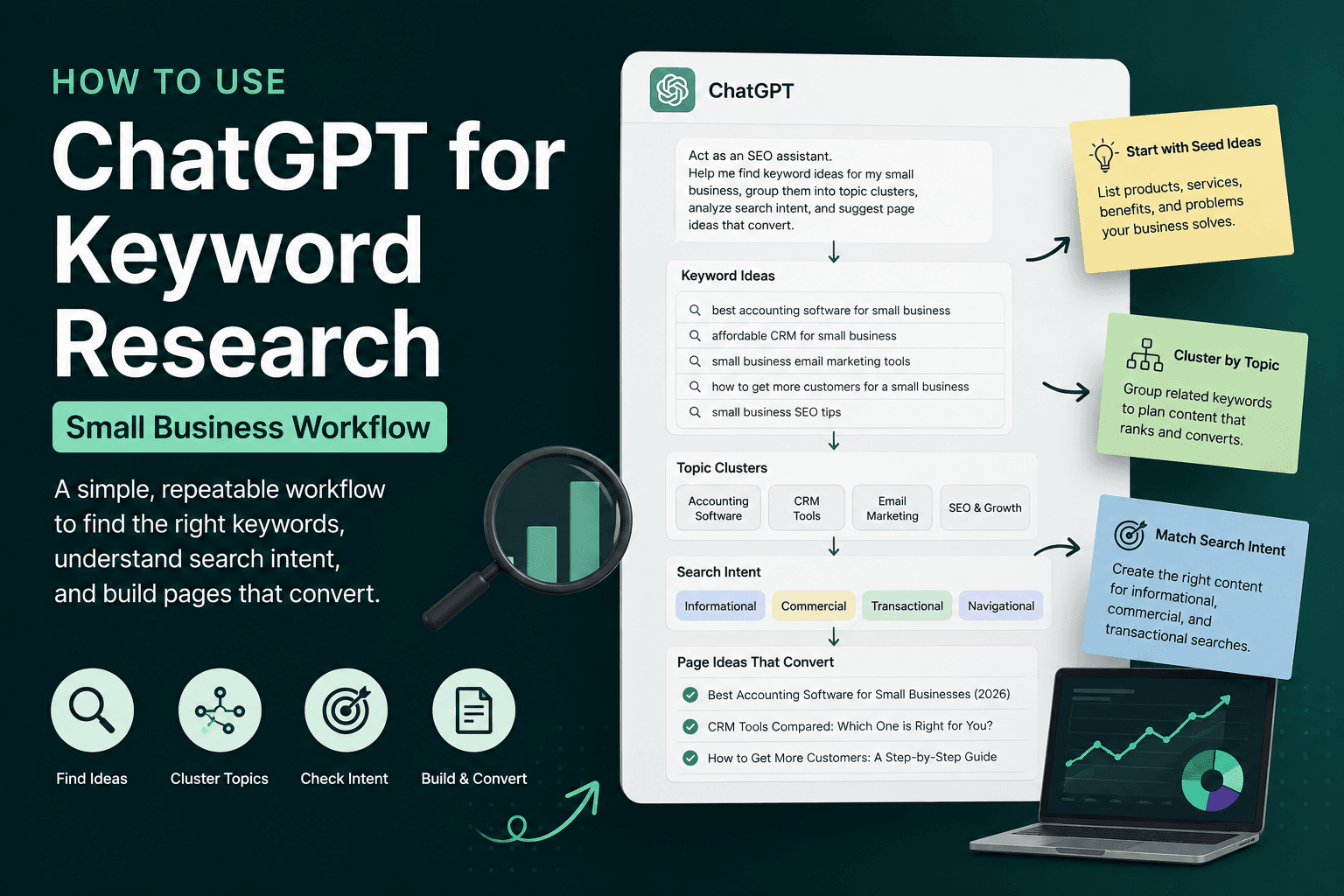
How to Use ChatGPT for Keyword Research (Small Business Workflow)
A copy-paste ChatGPT keyword research workflow for small businesses — seed ideas, cluster topics, check intent, validate free, and build pages that convert.
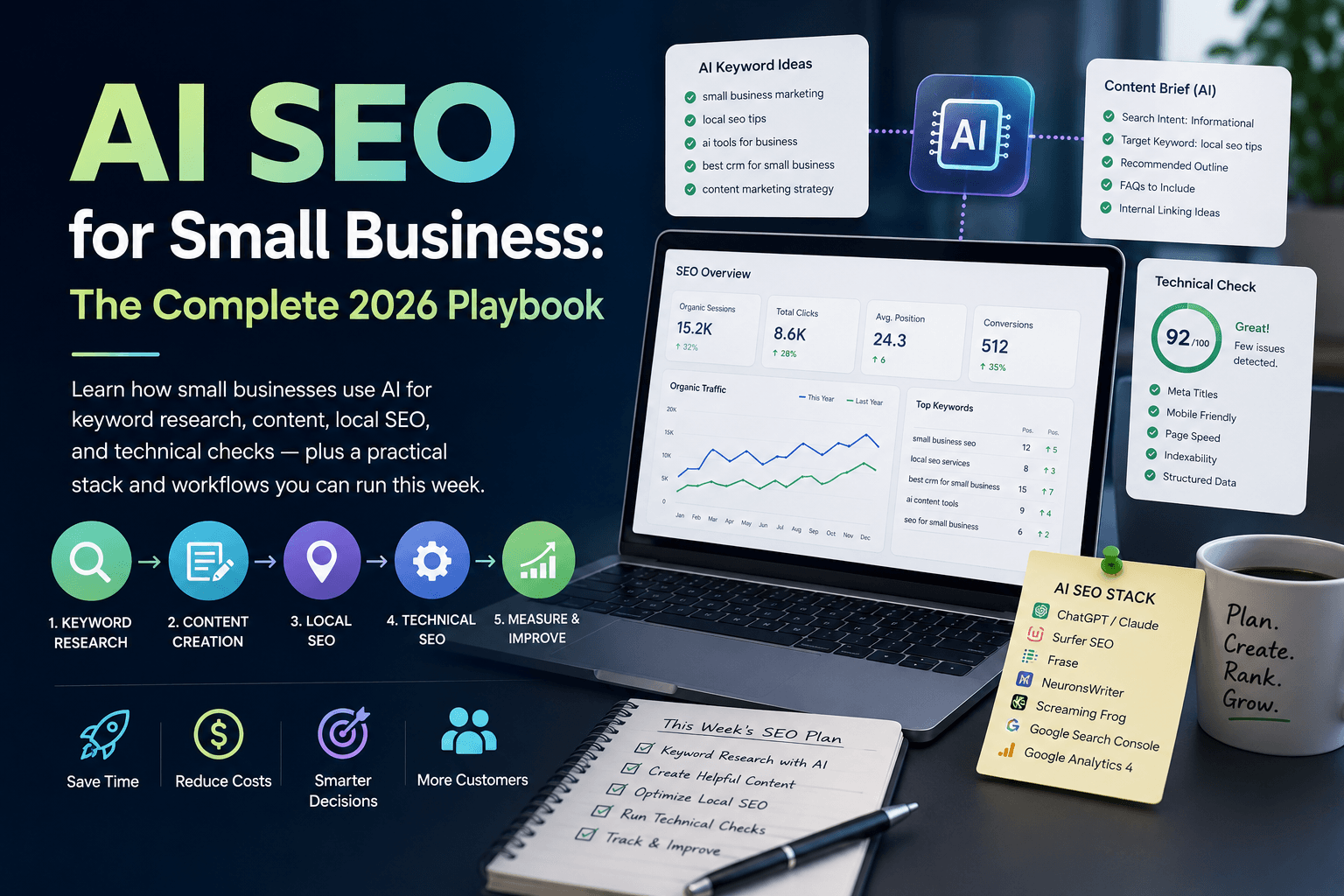
AI SEO for Small Business: The Complete 2026 Playbook
Learn how small businesses use AI for keyword research, content, local SEO, and technical checks — plus a practical stack and a 30-day sprint.
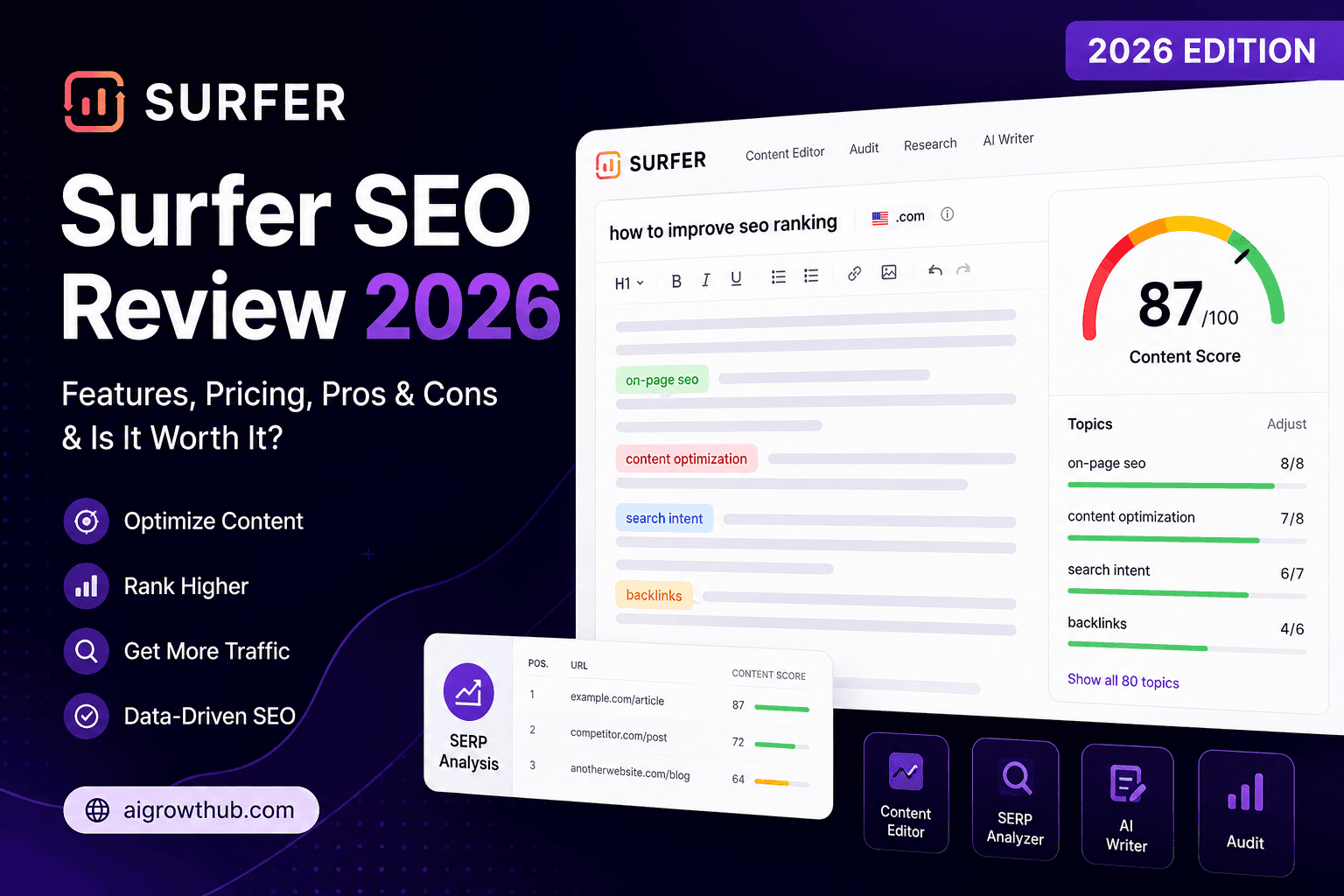
Surfer SEO Review 2026: Pricing, AI Tracker, and Real Fit for Small Teams
Surfer SEO still leads on content optimization, but pricing and AI visibility changed in 2026. See plans, pros, cons, alternatives, and who should actually buy it.
The AI edge, delivered every Tuesday
One 5-minute email: the tools worth your money, the plays that are working right now, and zero hype. Unsubscribe anytime.
No spam. No selling your data. Read by owners of restaurants, gyms, clinics, and agencies across the US, UK, Canada, and Australia.